What matters most
- Use a small set of fixed views instead of choosing new angles each time.
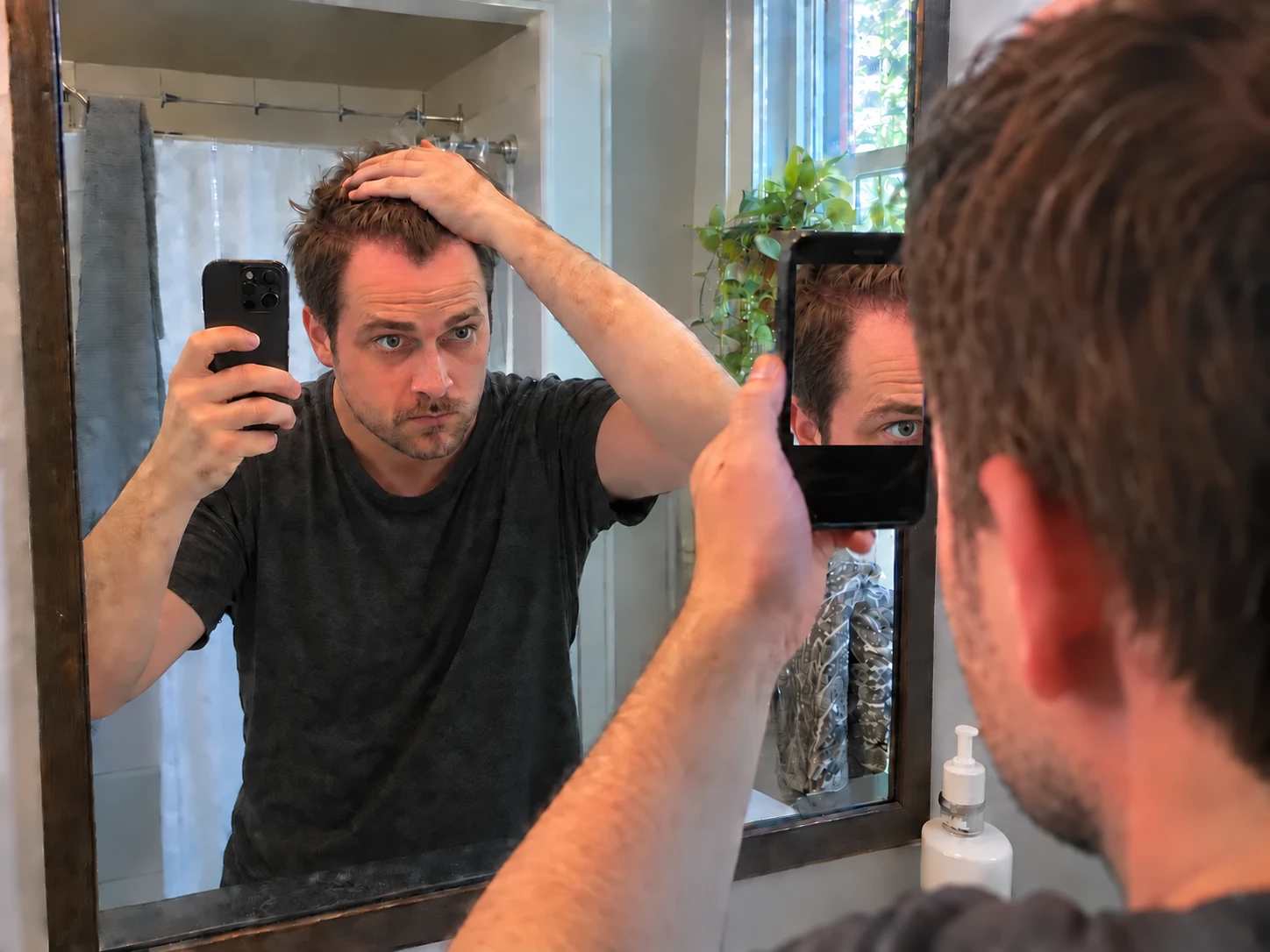
- Use the rear main camera at 1x and keep the screen facing you when a mirror helps with framing.
- Front, temple, top, and crown photos answer different visual questions.
- Stable landmarks make it easier to recreate each view later.
A strong starting set includes the front hairline, left temple, right temple, top, and crown. Clinical photography protocols also use distinct views because one picture cannot show every part of the scalp clearly.
You do not need a huge photo set. One sharp image from each fixed view is easier to repeat and easier to compare than a folder full of changing angles.
- Front hairline with both eyebrows visible.
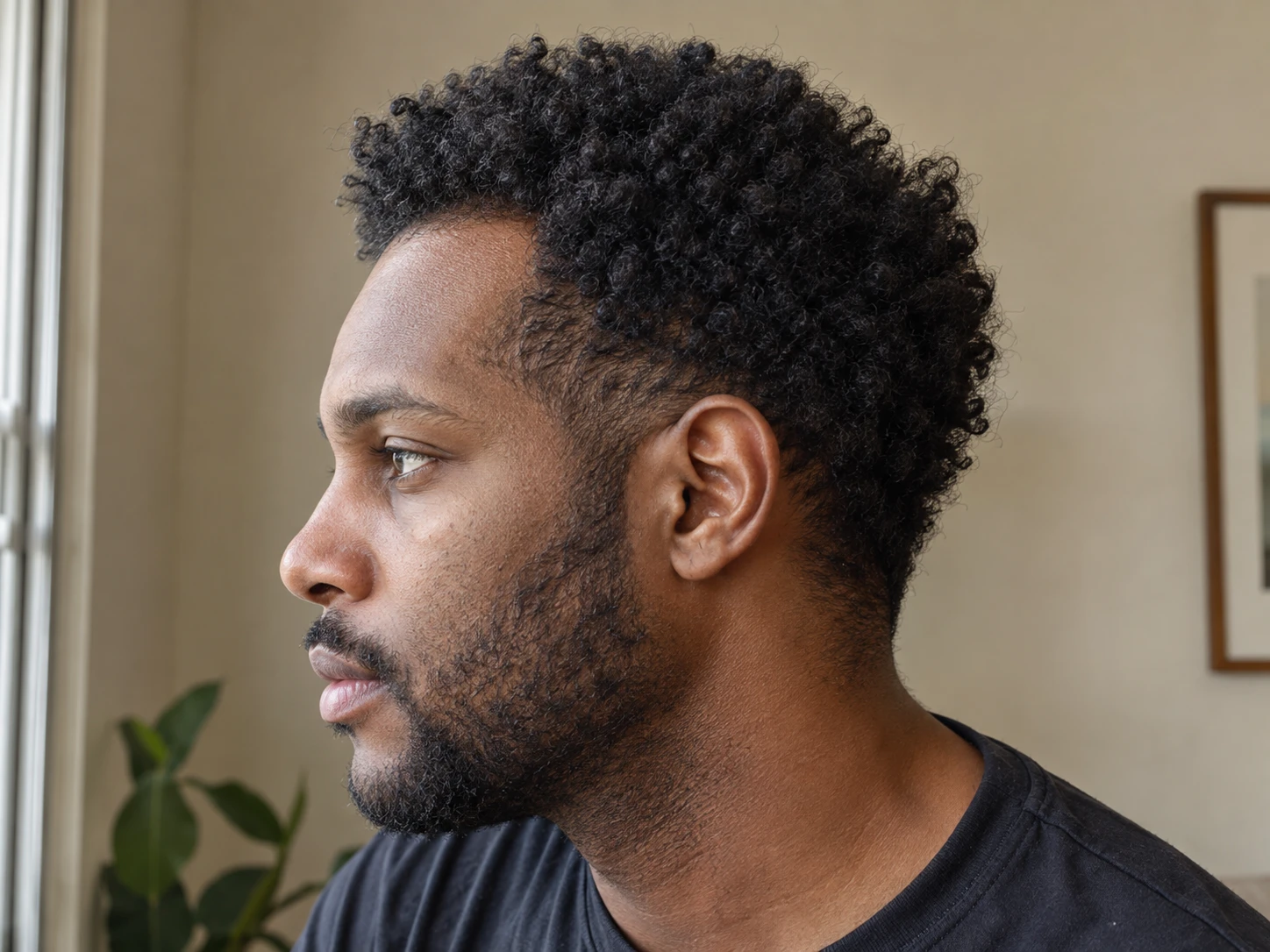
- Left temple and right temple with a matching turn.
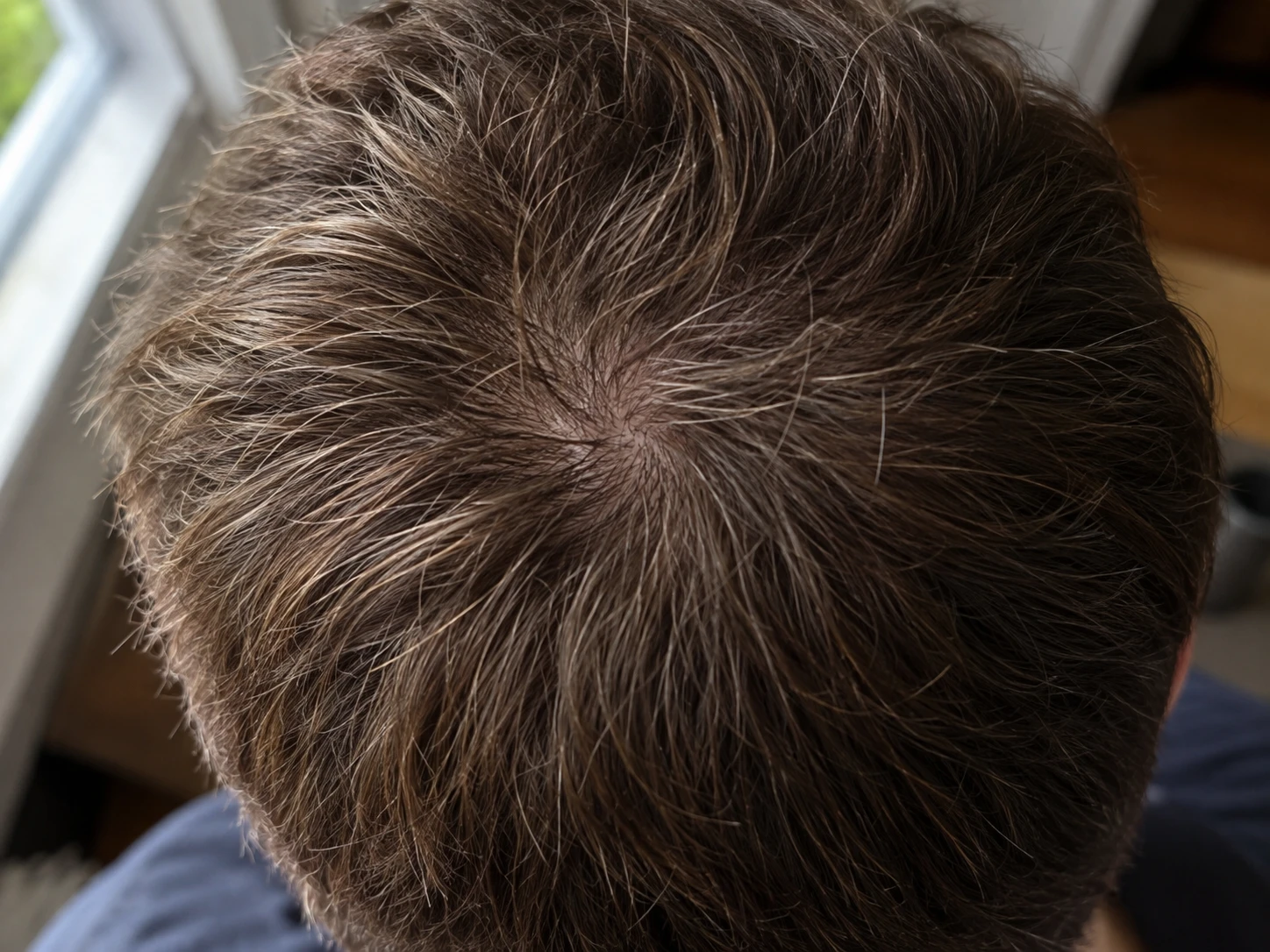
- Top view with the part and upper scalp visible.
- Crown view centered on the natural whorl.
Face the camera directly for the front view. Keep your chin neutral and include both eyebrows, the upper forehead, and both sides of the head. These landmarks reveal tilt and crop changes quickly.
For each temple, turn toward the same marker in the room. If you move hair away from the area, use the same comb, clip, or hand position and avoid changing the amount of tension.
Plume uses the rear main camera at 1x so each scalp photo keeps useful visible detail. For hairline and temple photos, keep the phone screen facing you and point the rear camera toward a mirror. For the top and crown, hold the rear camera 6 to 8 inches above the scalp and follow the framing guide.
The selfie camera can be convenient for rough framing, but switching between front and rear cameras changes the lens, perspective, and visible detail. Keep the same camera, distance, light, hair condition, and scalp view across your timeline.
This gives you a better view of fine and thicker visible hairs when you return to the same scalp area later. It does not make a comparison exact. An iPhone photo cannot confirm vellus hairs, count follicles, measure true density, diagnose hair loss, or prove that a treatment worked.
Top and crown photos are sensitive to camera height. A phone placed too far forward can miss the crown. A phone placed too low can turn the crown view into a photo of the back of the head.
A phone stand, mirror, timer, or trusted helper can make these views easier. Mark where you stand and where the phone sits. Record whether your head stays level or tips forward.
Choose the clearest image from each first session and use it as the framing reference next time. Match the crop, landmarks, head position, hair arrangement, and camera distance before saving the new photo.
If one view is difficult, make it slightly wider. A wider view that you can repeat is more useful than a close view that lands in a different place every month.