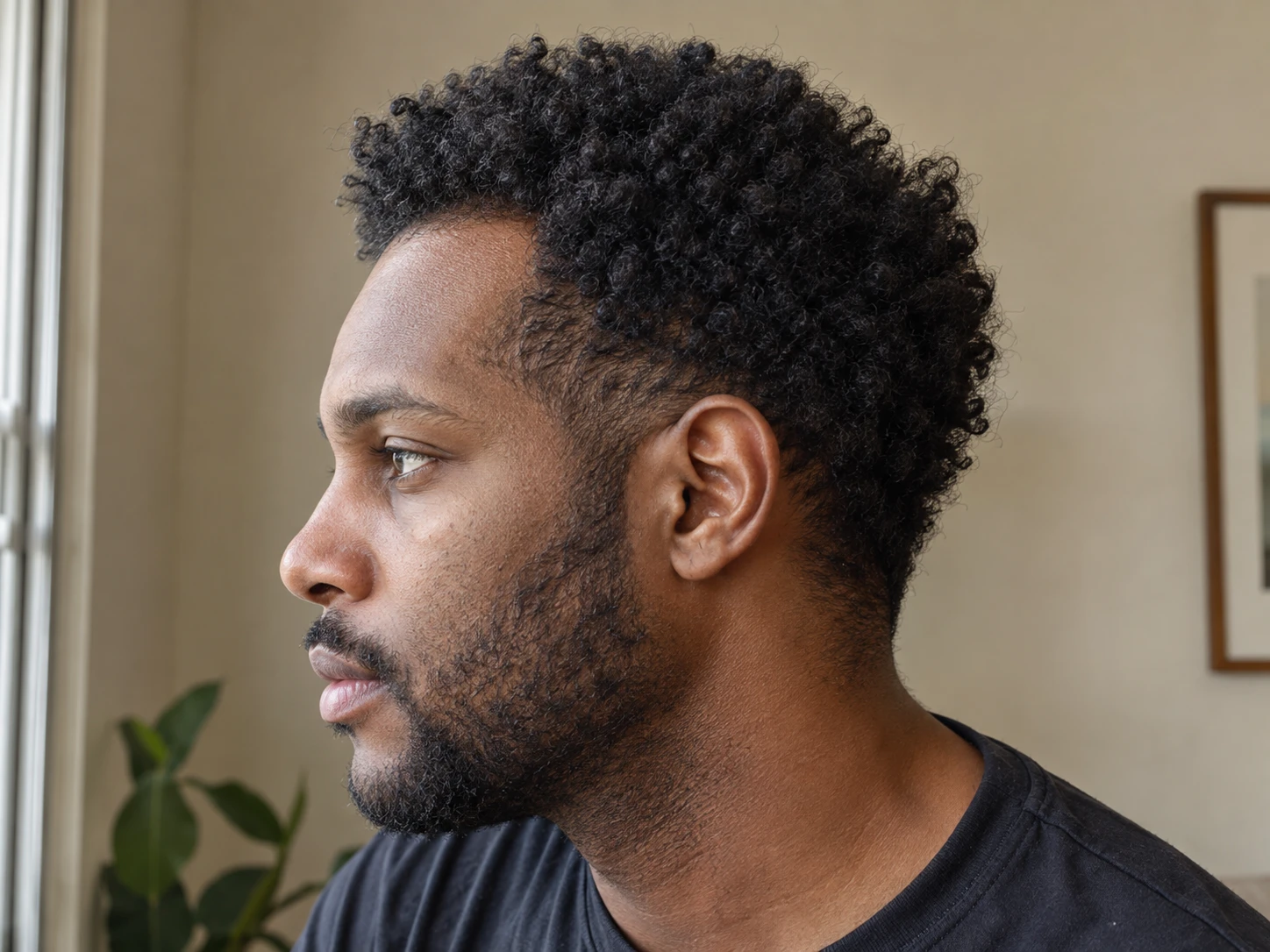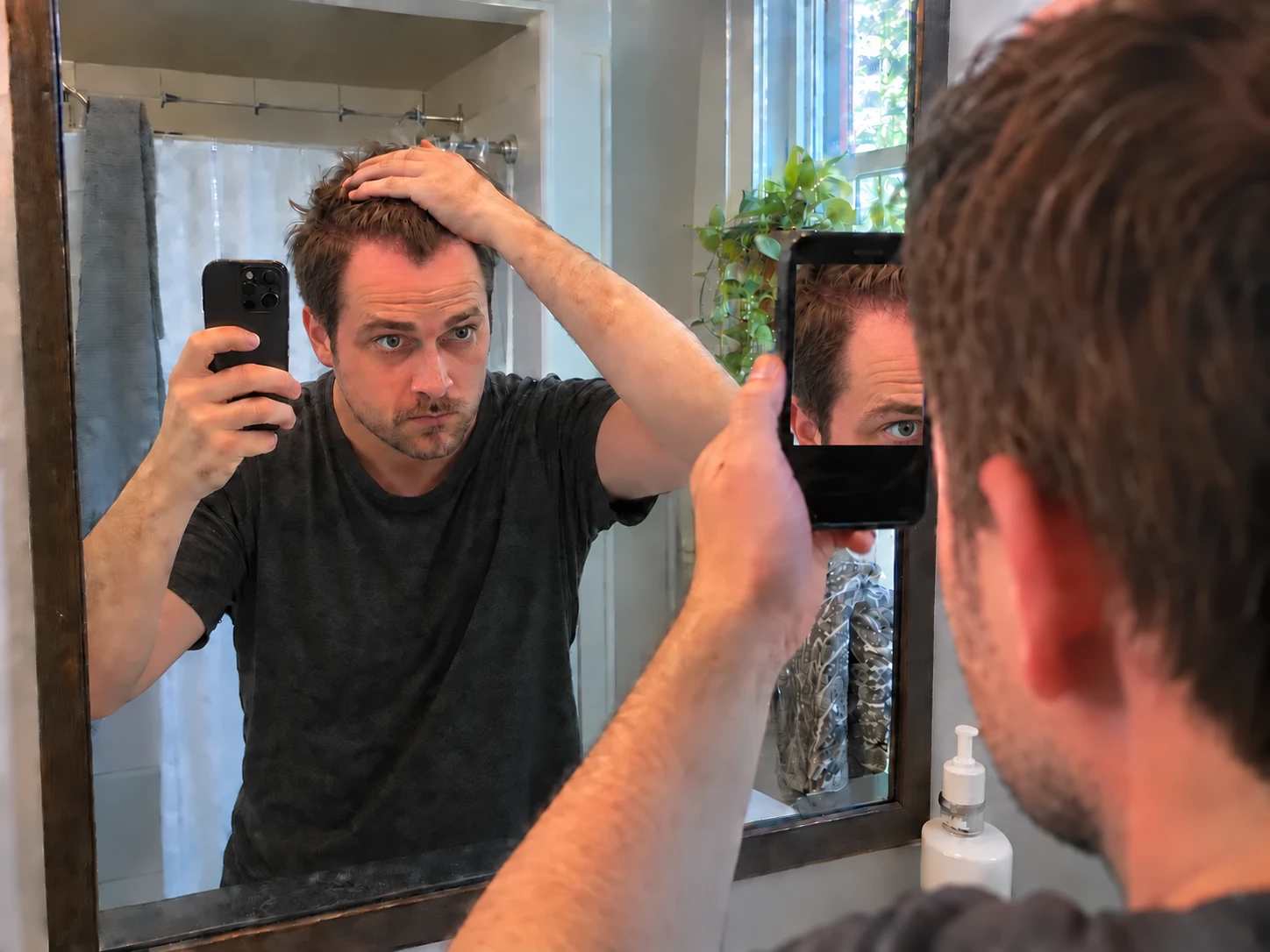
Three views with clear names
The same Hairline, Top and Crown sequence keeps each session easy to follow.
The goal is not more photos. The goal is a future photo that makes sense beside the first one. Plume turns every session into the same guided three view set.
The guide helps you repeat the process. Lighting, styling and camera position can still change how a photo looks.
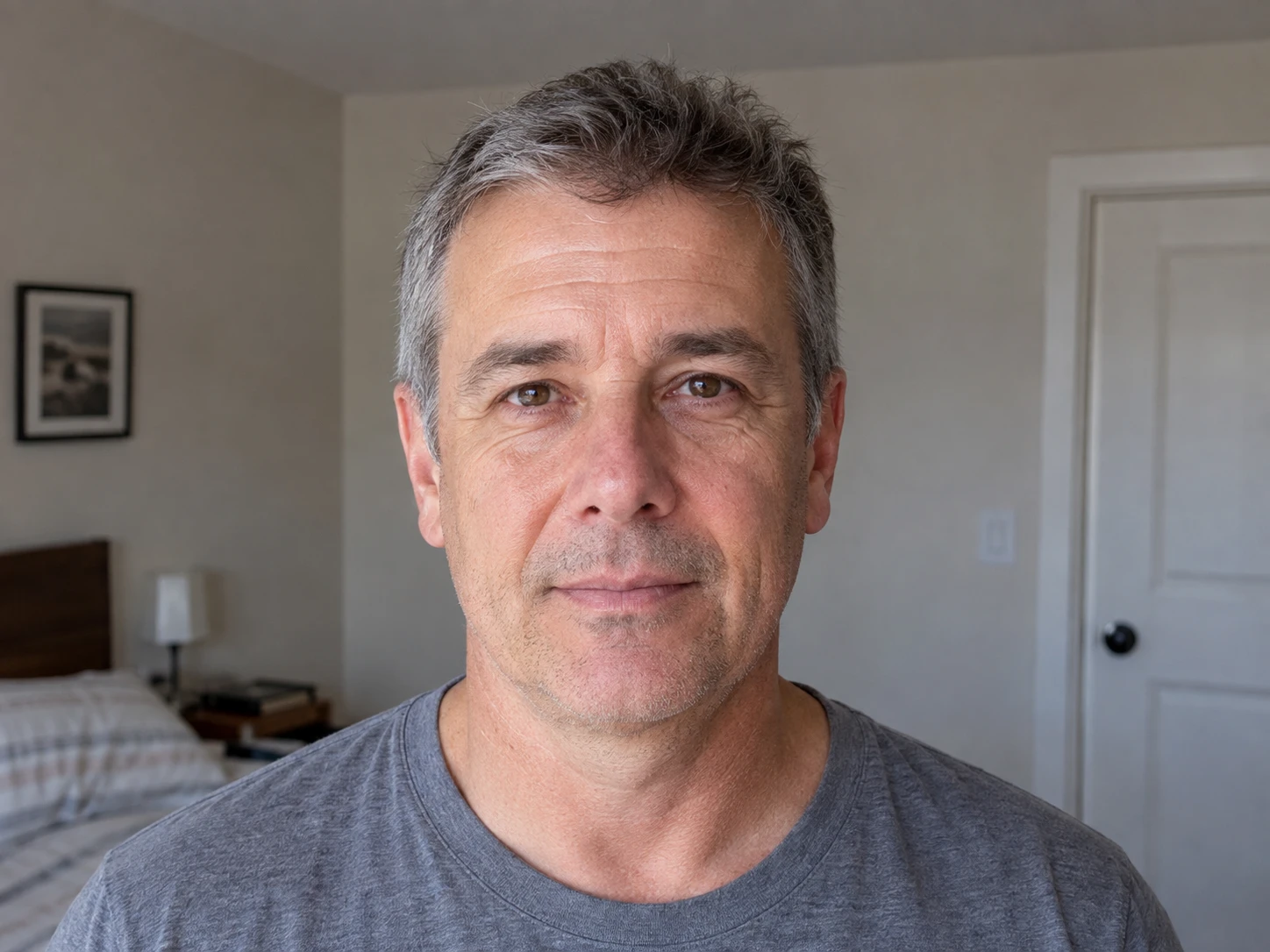
Useful hair progress photos repeat the same scalp views in similar conditions. Keep the light direction, hair preparation, part placement, camera distance and orientation as consistent as practical. Plume guides Hairline and temples, Top and part and Crown photos and stores them as dated sets. Later, you can compare matching views side by side, with a slider, with a blend or with zoom and pan.
Choose a room, background and light direction that will still be practical next time.
Keep wetness, styling and part placement similar or record what changed.
Capture Hairline and temples, Top and part and Crown in the guided order.
Choose matching views from two dates and account for any change in the photo setup.

The same Hairline, Top and Crown sequence keeps each session easy to follow.
Each group of photos lives on one date instead of getting lost in the camera roll.
Use side by side, slider, blend, zoom and pan to inspect the images yourself.
Overhead light, shadows, wet hair, styling products and part width can all change the amount of visible scalp in a photo. A simple repeatable setup is more useful than a polished photo you cannot recreate.
If a haircut, product or lighting setup changes, add a short note. That note gives a future comparison context instead of hiding the difference.
The Hairline and temples view needs a clear front frame. The Top and part view needs the part and nearby scalp in frame. Crown needs a view from above and behind. Plume prompts each view so you do not need to remember the sequence.
The prompts guide the capture routine. They do not move the camera, correct the light or align the finished images for you.
Save the three views as one dated entry. Add a note when the hair was freshly cut, the part changed or the room was different. Plume keeps the photo set and those details together.
When you review two dates, treat small differences carefully. A photo can document appearance. It cannot explain the cause of a change or decide whether a treatment worked.
Plume uses Hairline and temples, Top and part and Crown. Repeating these three views gives every photo session the same coverage.
Plume uses the main rear camera at 1x. Keep the screen facing you and use a mirror for the hairline and temples, then hold the rear camera above the scalp for the top and crown. Keep the same lens, distance, light, and hair setup each time.
Perfectly identical conditions are unlikely. Use a similar room and light direction when practical, then note a meaningful difference.
No. Plume guides a repeatable capture process and gives you manual comparison tools. It does not align finished photos for you.
Your original photos stay in protected app storage on your device. They are not uploaded or shared.