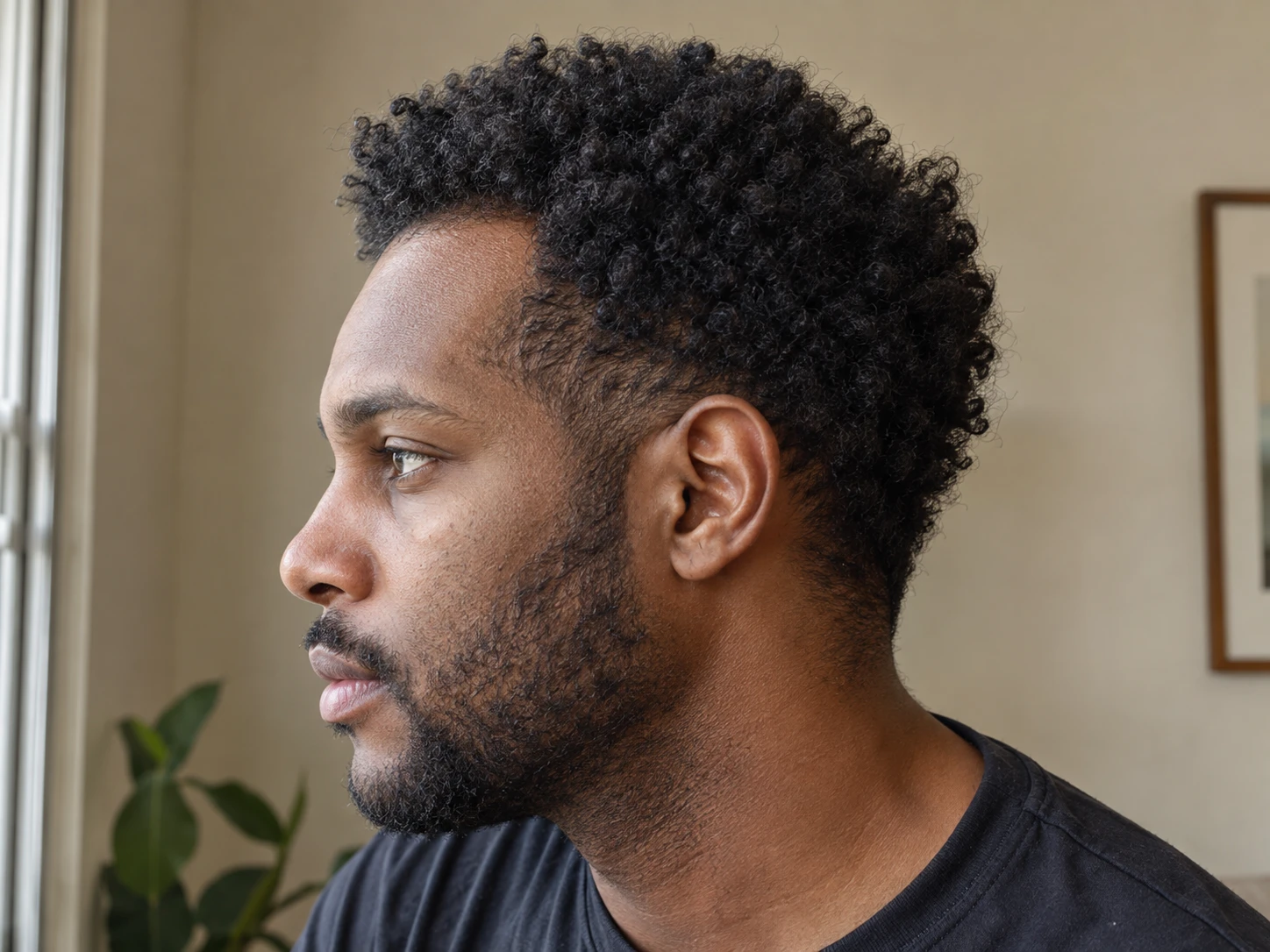
A focused hairline record

A hairline tracker for matched front and temple photos

A small change in head position can make the hairline look different. Plume gives the front and temple view a fixed place in every photo set so you can compare matching dates.
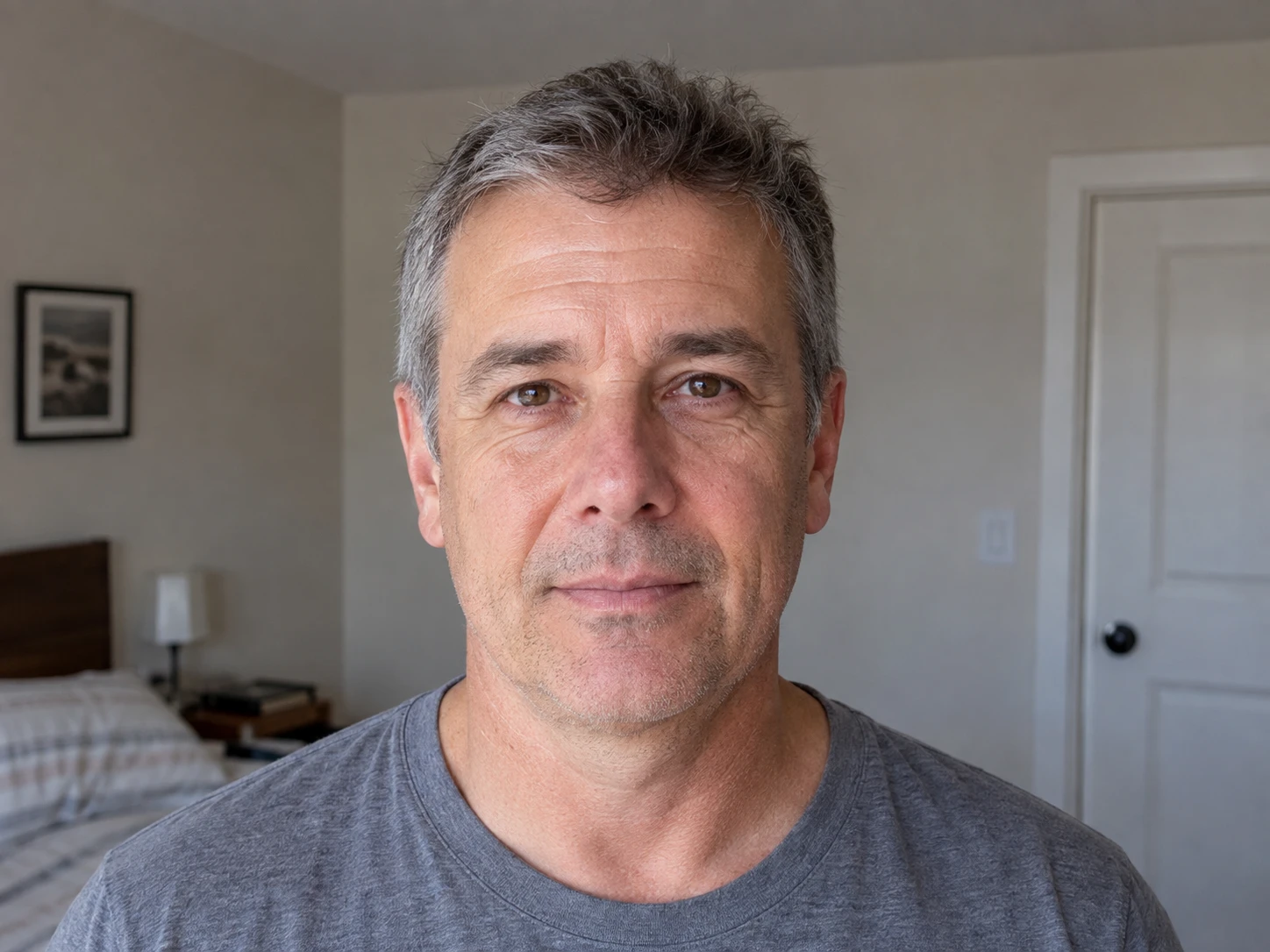
Guided temple photo framing in the Plume hairline tracker

Quick answer

How to match hairline photos

A hairline tracker should help you repeat the same front and temple view, keep each photo dated and preserve the context around it. Plume guides the Hairline and temples photo as part of every session. You can compare two dates side by side, with a slider, with a blend or with zoom and pan. Plume records visible appearance. It does not measure recession or diagnose a cause.

How it works

Match the front and temple views

01

Set the front view

Use a clear background, familiar light and a head position you can repeat.

02

Keep the temples visible

Prepare the hair the same way so the front and temple area remains easy to see.

03

Save the date and context

Add a note when styling, hair length, lighting or the routine changed.

04

Compare Hairline to Hairline

Choose the same view from two dates and inspect it with the manual comparison tools.

Illustration of a man holding back his temple beside a rear camera phone stand

Matched landmarks

Keep front and temple views easy to revisit.

Focus

The hairline has its own view

Front and temple photos do not get mixed with top or crown photos.

Dates

Each view stays in the timeline

The hairline entry remains connected to the routine and notes from that date.

Comparison

Matching views are easy to find

Choose two Hairline entries and review them in the format that works for you.

What to know

Landmarks that make hairline photos easier to repeat

Front and temple photos

Keep camera position and hair preparation familiar

The hairline can look different when the chin moves, the phone gets closer or the hair is pulled back with more tension. Repeating the setup helps reduce those photo differences.

Use similar hair preparation each time and keep both temples visible. Add a note if a haircut, styling choice or camera position changed.

  • Face the camera in a repeatable position.
  • Use a similar distance and phone orientation.
  • Keep the light direction familiar.
  • Prepare the hairline and temples the same way.

Hairline timeline

Keep the view beside the routine and notes from that date

Plume keeps the Hairline and temples view in the same dated entry as Top and part and Crown. You can focus on the hairline while still keeping the wider record intact.

Routine adherence, symptoms and observations give the photo useful context. They show timing, but they do not prove that one event caused a visible difference.

Manual review

Compare the same area without forcing a verdict

Select two Hairline and temples entries and use side by side, slider, blend, zoom or pan. Check the light, distance, hair length and styling before drawing a conclusion.

Plume does not measure the hairline, assign a stage or diagnose hair loss. Bring the record to a qualified clinician if you need medical interpretation.

Plume tracks a record. It does not diagnose hair loss.

Photos and logs can help you prepare for a conversation. They cannot determine a cause, prove a treatment result, or replace a clinician.

Get medical help when the change is sudden or comes with scalp symptoms.

Talk with a dermatologist or another qualified clinician if hair loss is sudden, patchy, painful, burning, itchy, inflamed, or affecting other body hair. Read the signs and symptoms guide from the American Academy of Dermatology.

Common questions

Questions about hairline photo tracking.

Can Plume measure a receding hairline?

No. Plume organizes repeatable front and temple photos for manual review. It does not calculate recession or assign a stage.

How should I prepare my hairline for photos?

Use a method you can repeat. Keep the hairline and both temples visible, and note when styling or hair length changes.

Can I compare only the hairline view?

Yes. Choose the Hairline and temples view from two dates and use the manual comparison tools.

Does a hairline photo diagnose hair loss?

No. A photo records appearance. A qualified clinician is needed for diagnosis and medical interpretation.
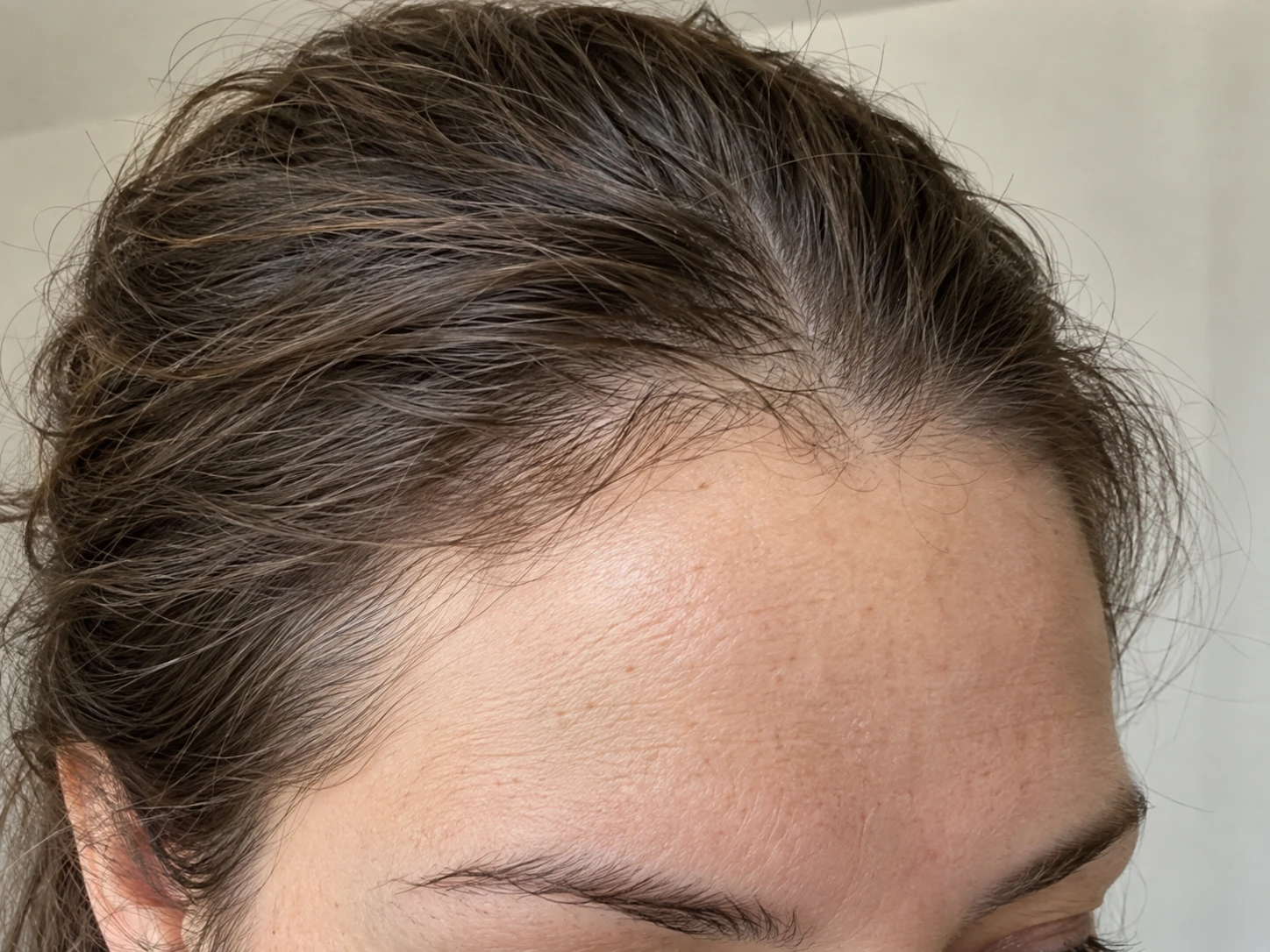
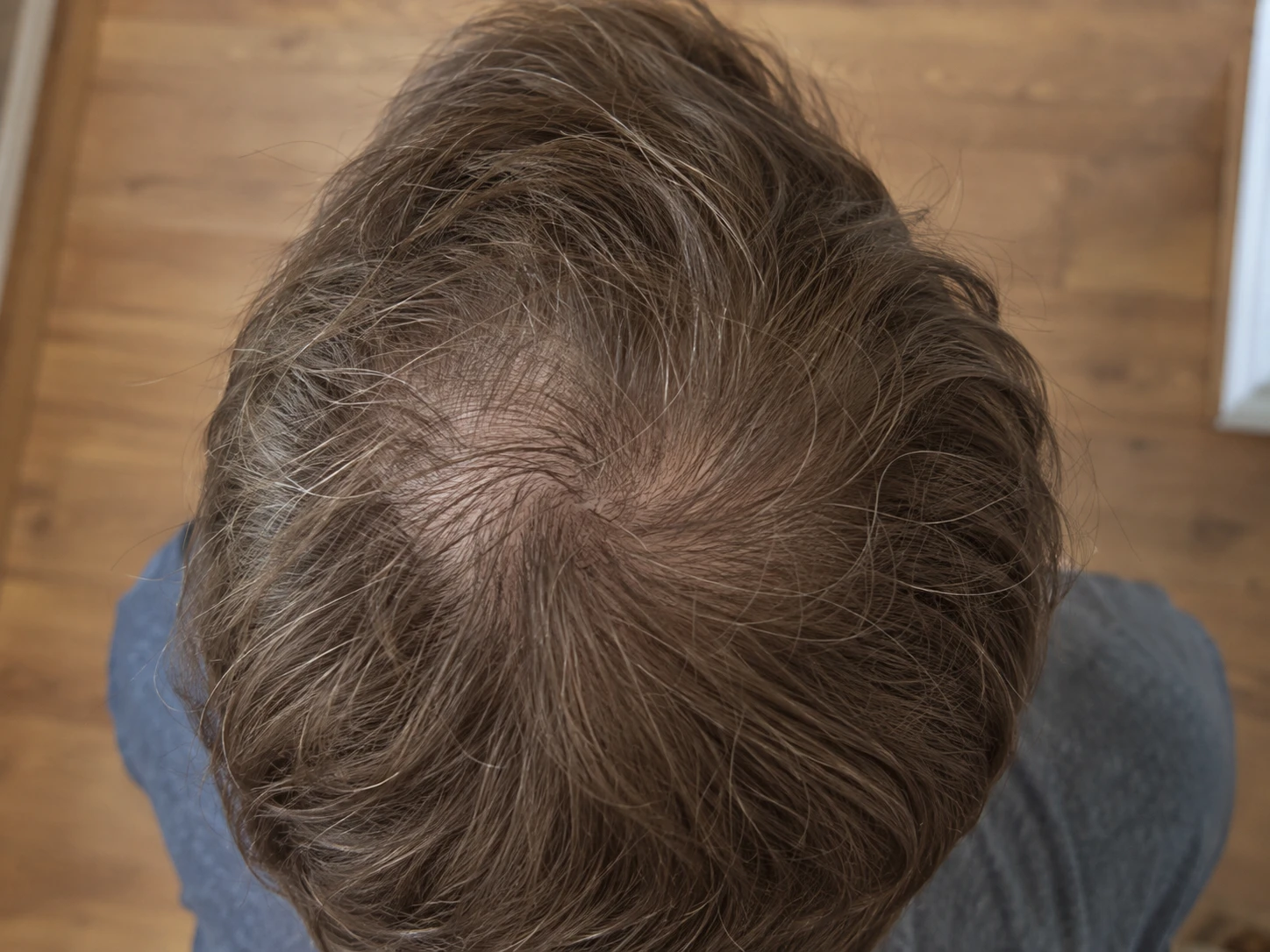
Practical articles

More on hairline photos.

Browse all hair loss guides

Tracking guides7 minute read

How to Track a Receding Hairline

Use a centered front view, matching temple photos, and stable forehead landmarks to follow the visible hairline over time.Open the guide

Tracking guides7 minute read

Hairline Shape vs Visible Scalp Coverage in Photos

Use front and temple views for the hairline and overhead views for visible scalp coverage, without treating a photo as a density measurement.Open the guide

Photo guides8 minute read

Five Hair Progress Photo Angles Worth Repeating

Use front, temple, top and crown views with stable landmarks, the rear main camera and a setup you can repeat each month.See the photo setup

Plume for iPhone

Give every hairline photo the same place to land

Plume keeps the front and temple view dated, organized and ready for a careful comparison later.

Get launch updates