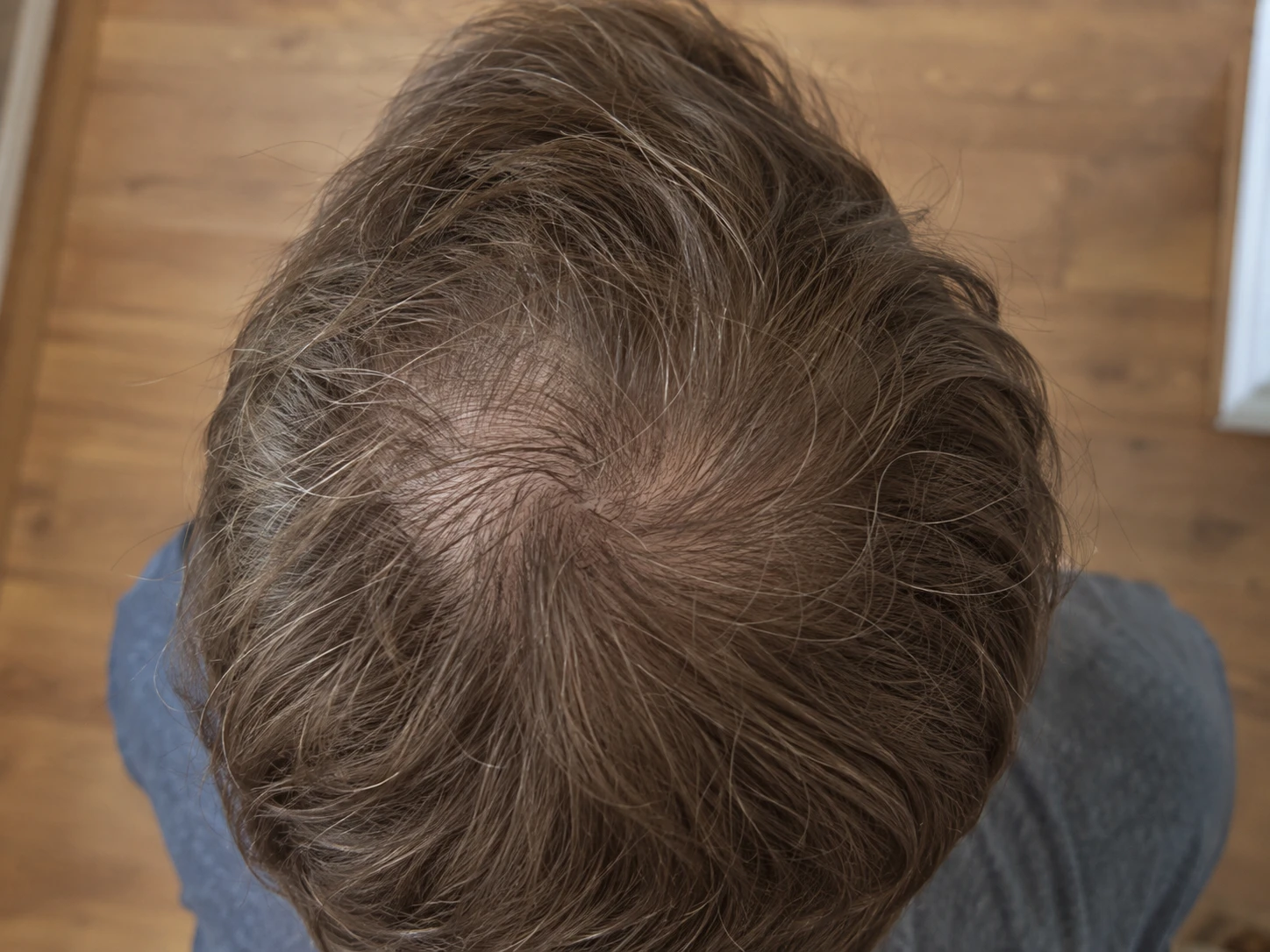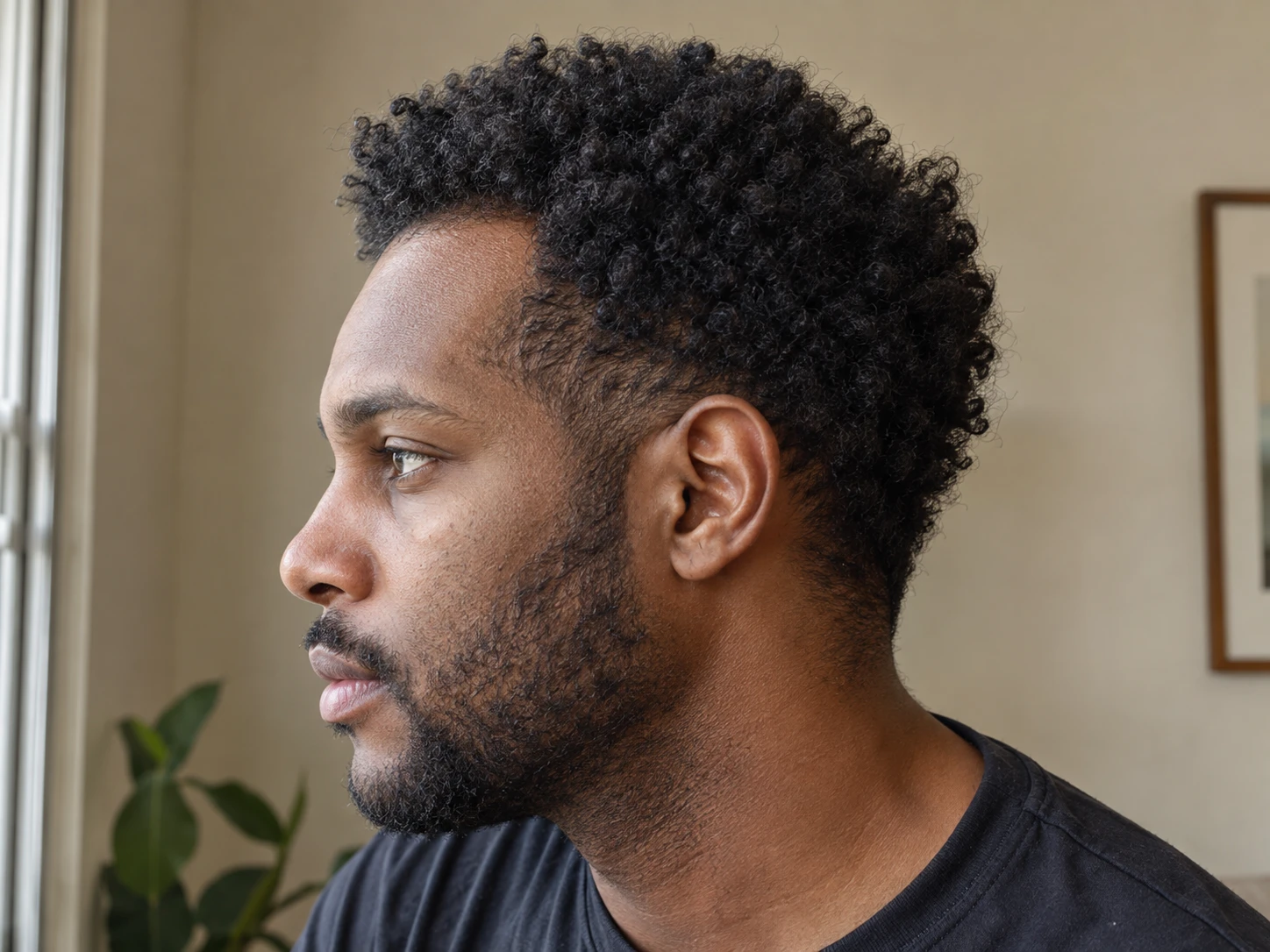
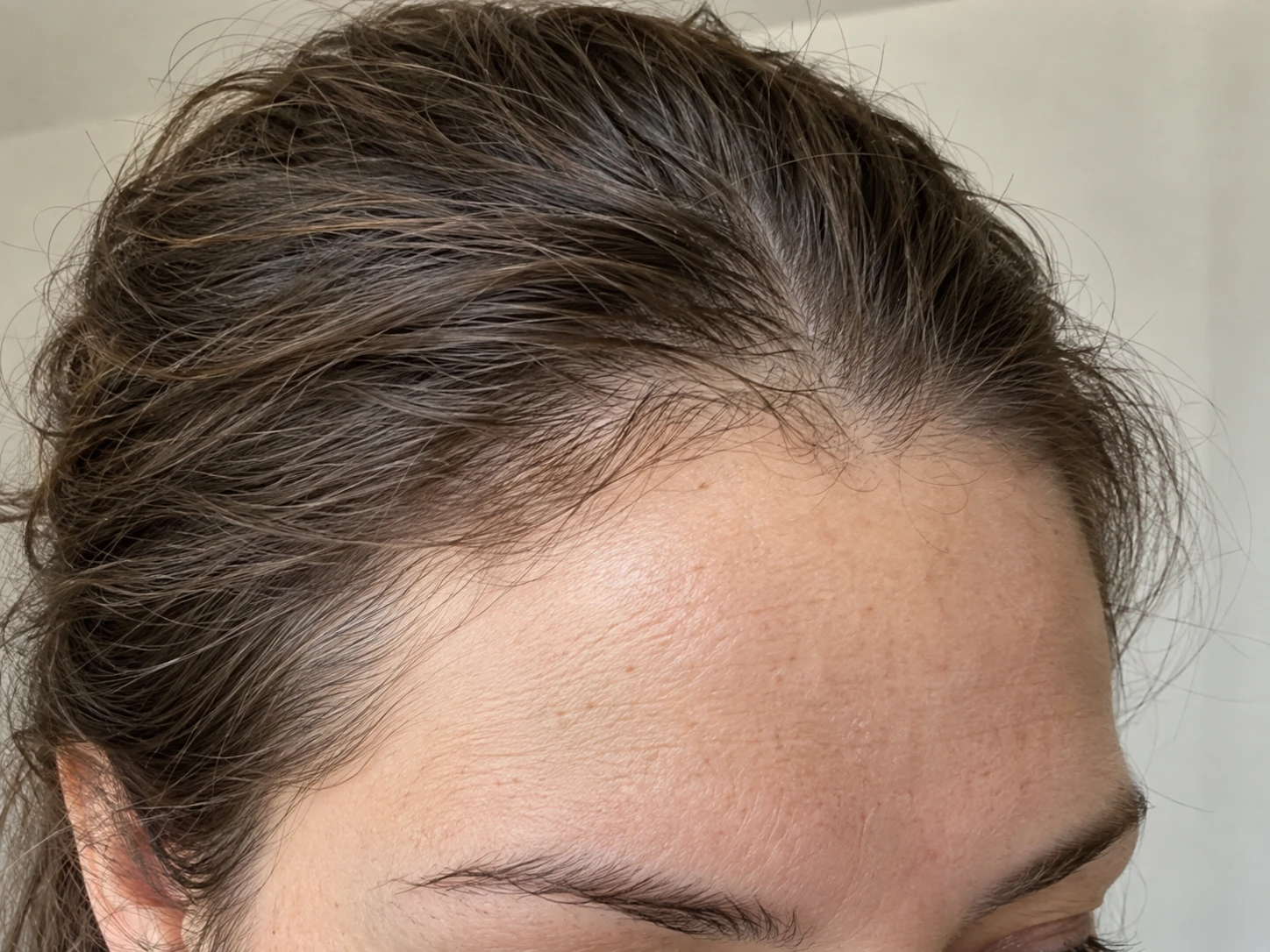
What matters most
- Use one centered front photo and one photo of each temple.
- Match the forehead, eyebrows, turn, and amount of hair tension every time.
- A photo record cannot decide why a hairline looks different.
Hairline tracking is about the border you can see at the forehead and temples. Take a centered front photo first, then add one view of each temple so one side does not stand in for the other.
Include both eyebrows, the full upper forehead, and both sides of the head in the front photo. These landmarks help you catch a tilted head or a crop that moved closer.
Turn the same amount for each temple and look toward a fixed point. Include the ear or outer eyebrow so you can compare the angle next time.
If you move the hair back, use the same comb, clip, or hand position. Pulling with more tension can change the visible edge before anything about the hair has changed.
- Same phone lens and distance.
- Same forehead and eyebrow crop.
- Same head turn for each side.
- Same part and amount of hair tension.
A haircut, shorter fringe, new part, tight style, wet hair, or styling product can change the hairline photo. Add a dated note instead of pretending the setup is identical.
Compare front view with front view and each temple with its matching side. Review several dates so one unusual session does not become the whole story.
Gradual recession can appear with male pattern hair loss, while repeated pulling can also affect the hairline. Other causes are possible. Plume cannot decide whether a hairline is maturing, receding, or changing for a specific medical reason.
A clinician can assess the pattern and scalp. Seek medical evaluation for sudden or patchy loss, a painful or inflamed scalp, marked itching, scale, sores, or other concerning symptoms.