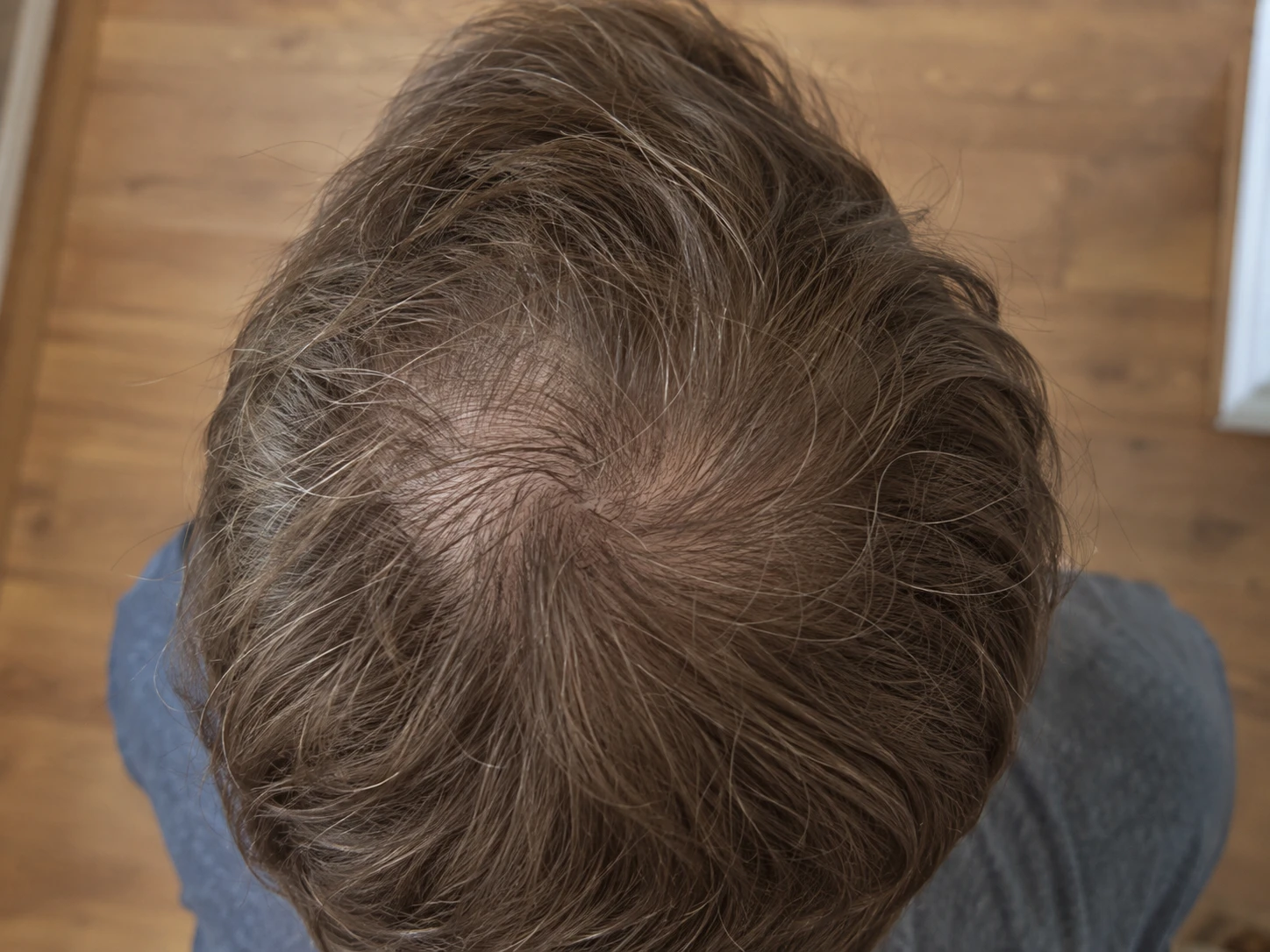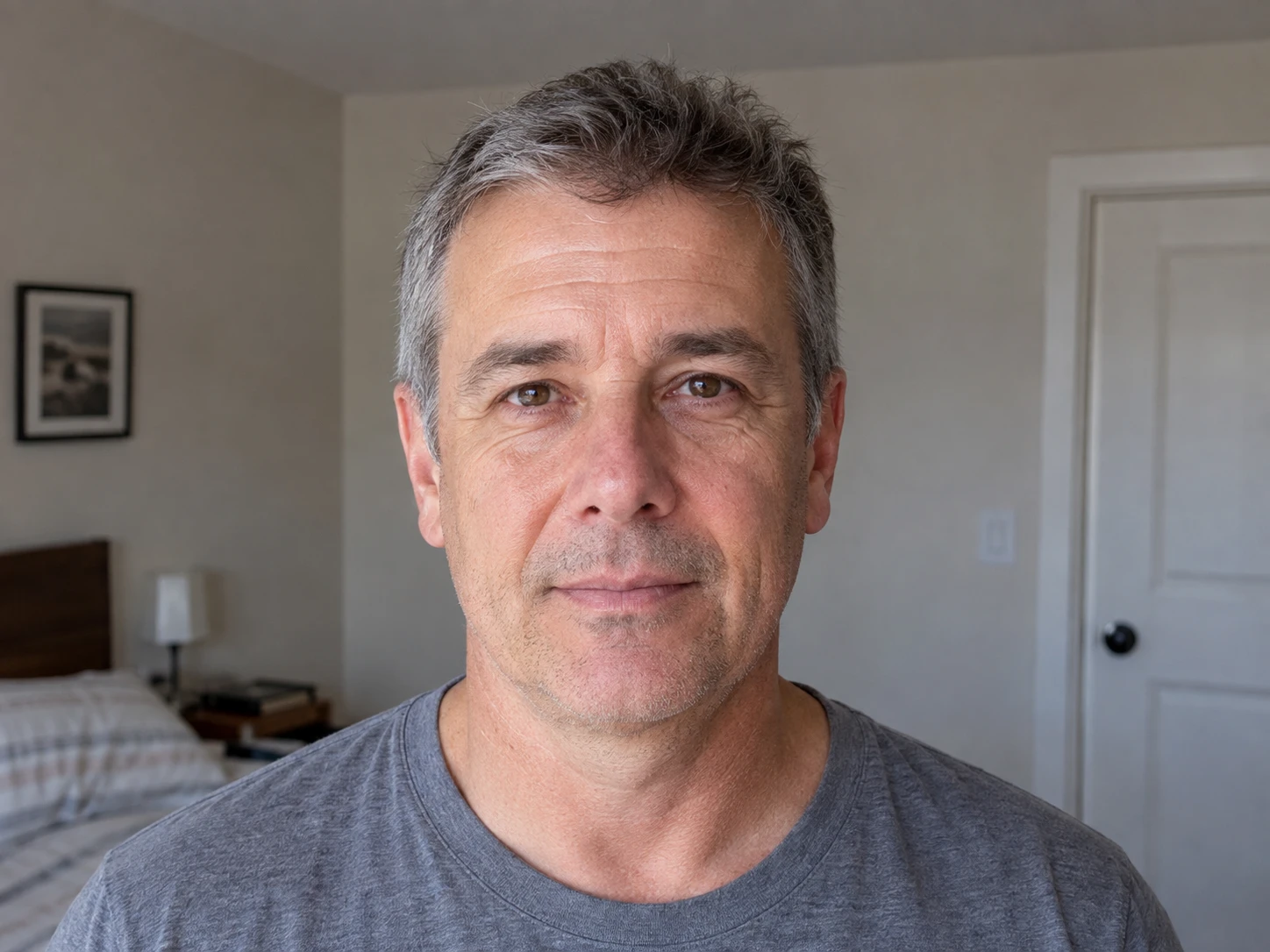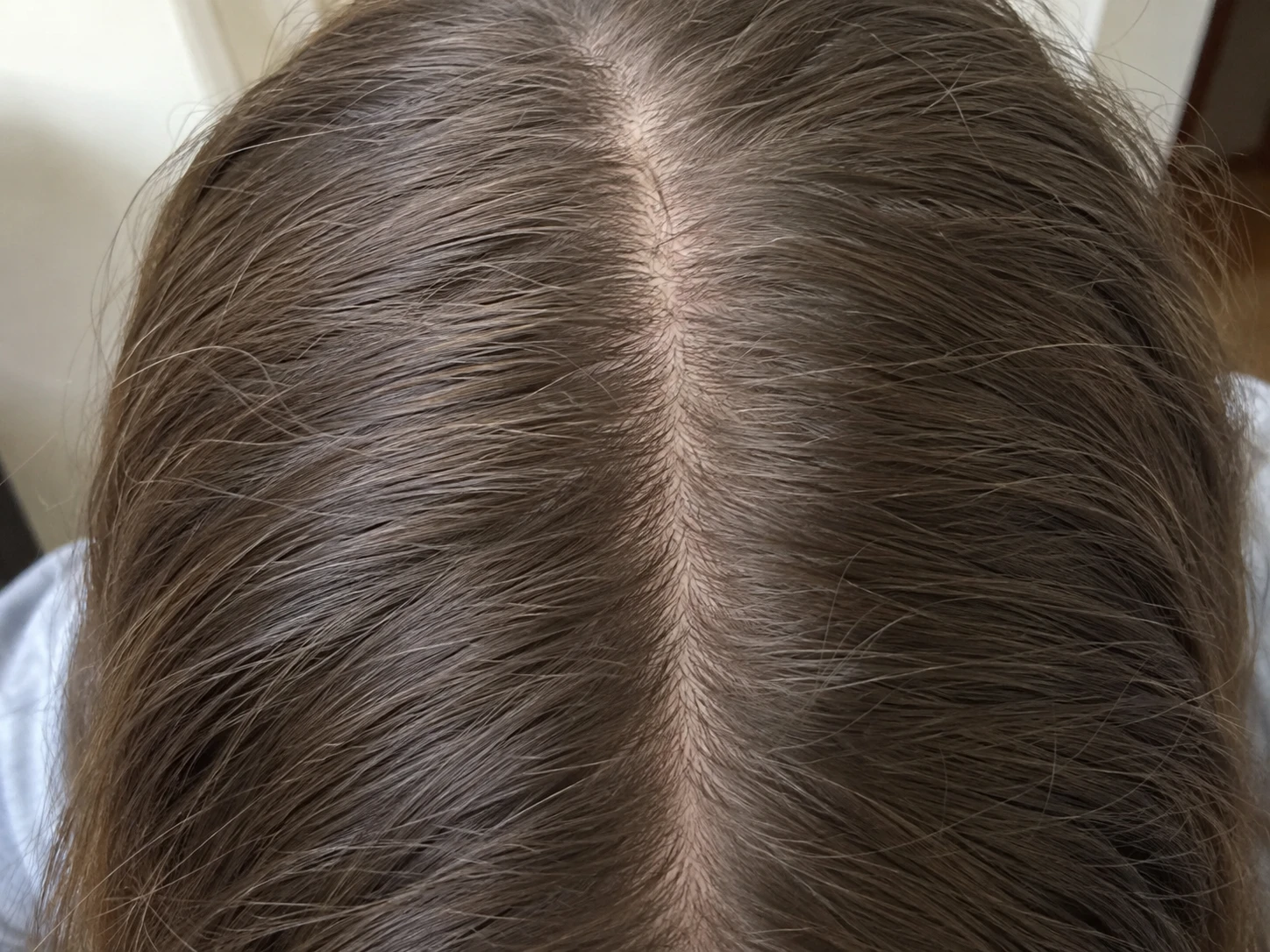
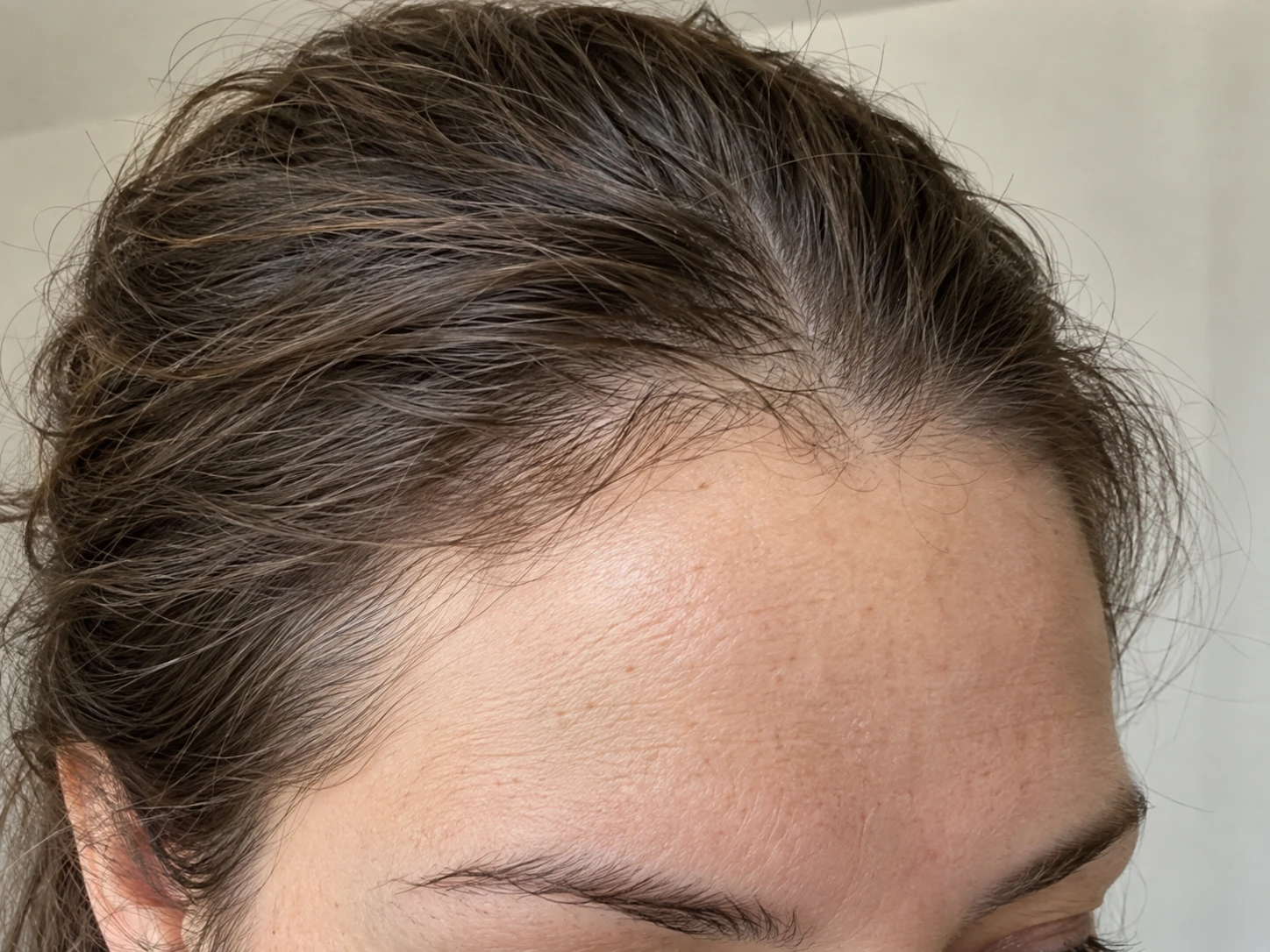
The same three areas
Guided views keep your hairline, top and crown organized in one repeatable photo set.
The mirror changes with the light. Memory fills in the gaps. Plume keeps your photos, dates, routine history and notes together so you can look back at a record instead of guessing.
A hair loss tracker should help you repeat the same scalp views, keep useful context beside each date and make comparison simple. Plume guides Hairline and temples, Top and part and Crown photos. It keeps routine adherence, symptoms and notes beside the timeline. You can compare two dates side by side, with a slider, with a blend or up close. Plume documents what you record. It does not diagnose hair loss.
Capture Hairline and temples, Top and part and Crown so future entries cover the same areas.
Return to a similar room, light, camera position and hair preparation for the next photo set.
Record routine adherence, symptoms, haircuts and other facts you may want later.
Choose two matching views and inspect them side by side, with a slider, with a blend or with zoom and pan.

Guided views keep your hairline, top and crown organized in one repeatable photo set.
Routine history, symptoms and notes remain beside the photos they help explain.
Use side by side, slider, blend, zoom and pan to review two dates yourself.
Random camera roll photos are hard to compare. The angle changes. The part moves. The light makes the scalp look different. Plume gives every photo session the same three named views so each date follows the same structure.
The prompts help you repeat the process, but they do not pretend every photo is identical. You still control the room, camera and hair preparation. A short note can preserve any difference that matters.
A photo shows how your hair looked on one date. It does not remember whether the routine changed, whether you missed days or whether you noticed a symptom. Plume keeps those facts in the same timeline.
Keep notes plain. Record what happened, what you noticed and when. The timeline can support a better conversation, but it cannot tell you why hair loss happened or what treatment is right for you.
Your original photos stay in protected app storage on your device. They are not uploaded or shared. You decide when to export or delete your record.
Plume can create a discussion PDF with the history you selected. The PDF helps with recall and conversation. It is not a diagnosis or a medical report.
Plume records dated Hairline and temples, Top and part and Crown photos, along with routine adherence, symptoms and notes you add.
No. Plume documents photos and routine history. It does not identify a condition, find a cause or replace a clinician.
Choose a schedule you can repeat and follow any guidance from your clinician. Plume organizes the dates but does not set a medical schedule.
Yes. You can create a discussion PDF from the history you recorded and bring it to a clinician conversation.