What matters most
- Center every crown photo on the natural whorl.
- Keep camera height, head angle, lighting, and hair state the same.
- Crown photos document appearance. They do not diagnose the cause of hair loss.
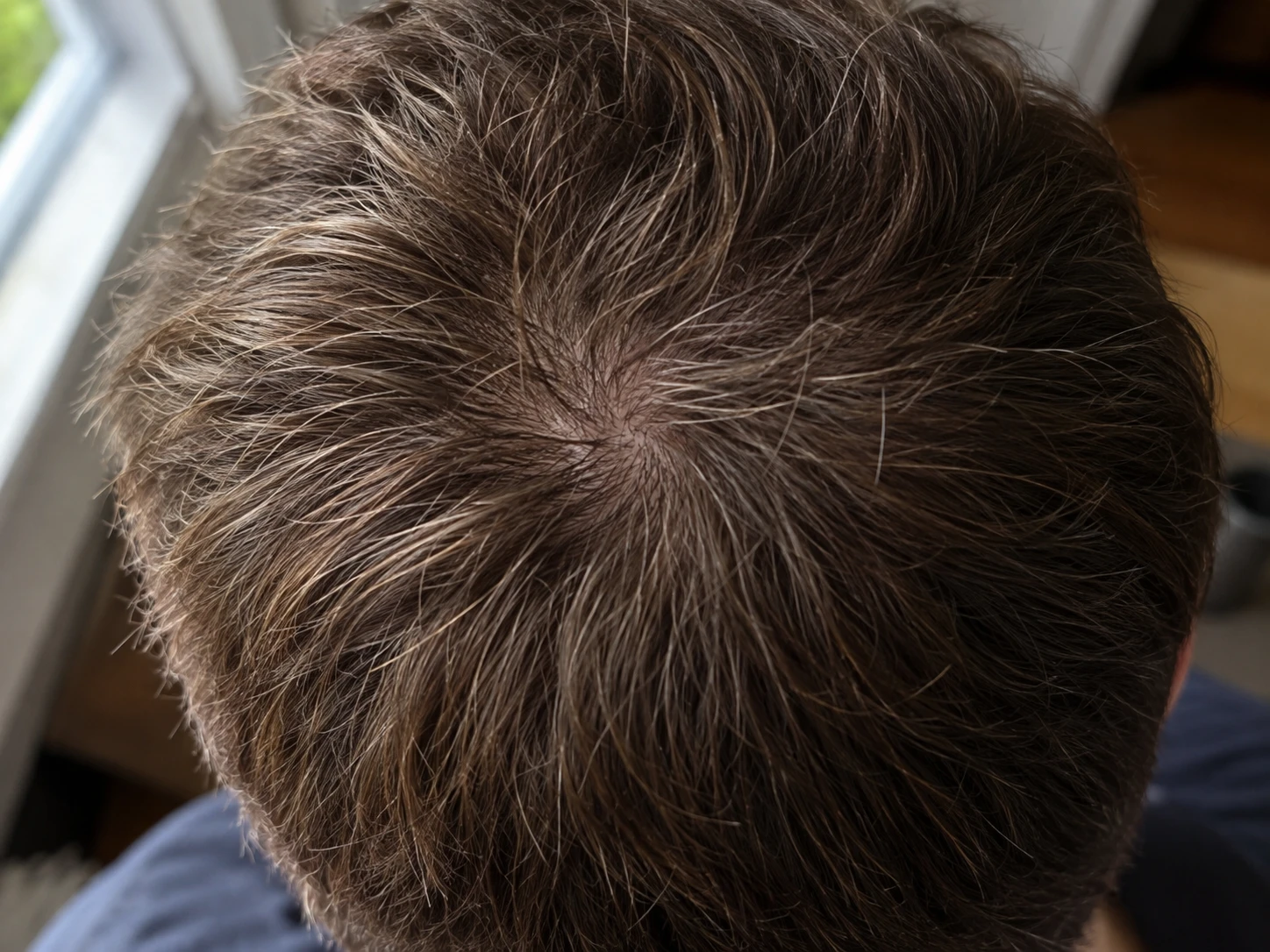
The crown sits on a curved surface and often has a natural whorl. A small change in camera position can move the center, change the direction of the light, and reveal a different amount of scalp.
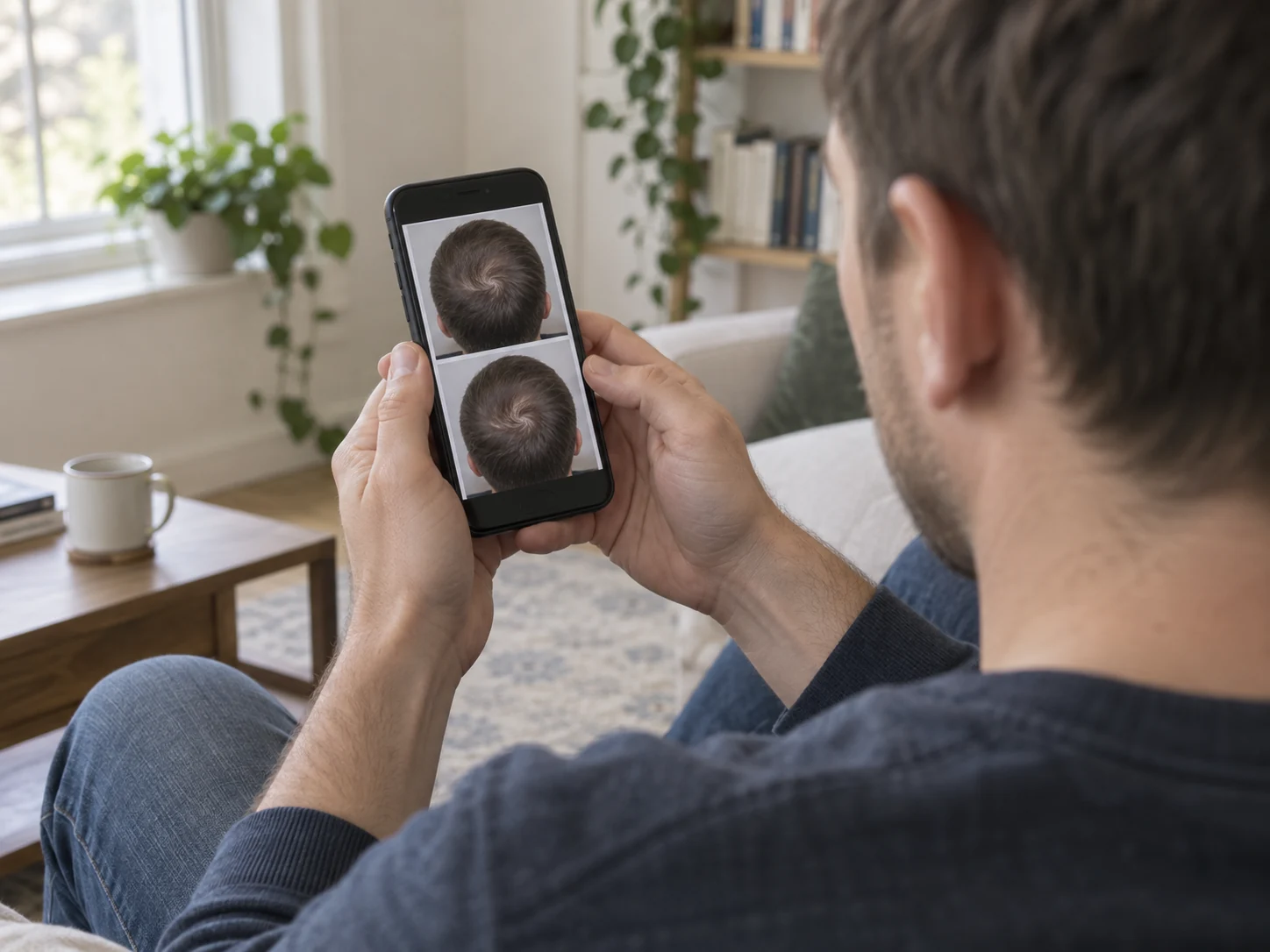
The answer is not a closer photo. It is a repeatable photo. Keep enough of the surrounding head in frame to see whether the angle matches your reference.
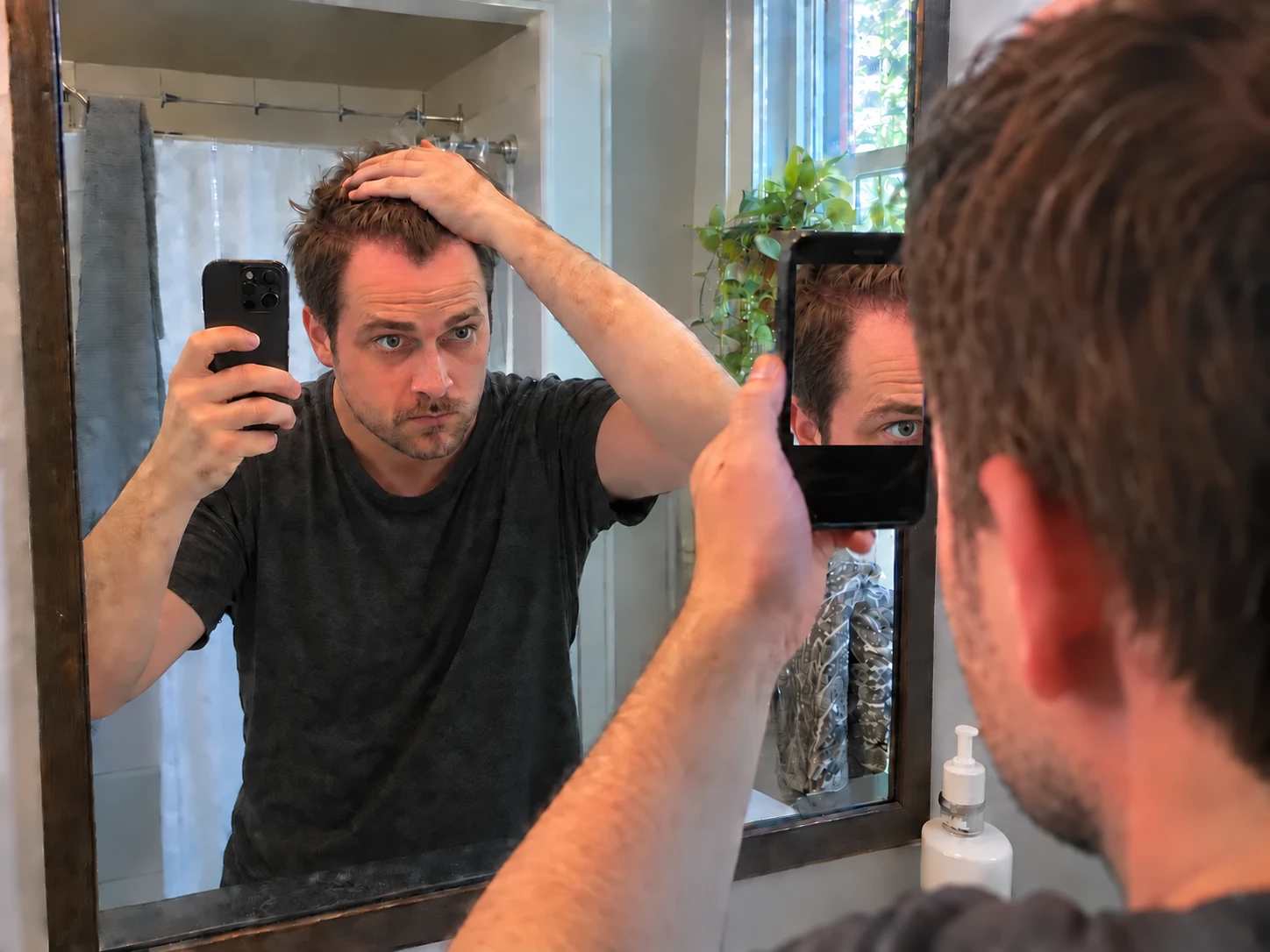
Use a phone stand, mirror, timer, or trusted helper. Mark where your feet go and place the phone behind and above the head. Keep the lens centered on the natural whorl.
Choose one head position and save it as a cue. If you tip your head forward, use the same floor marker as the place to look each time.
- Center the natural whorl.
- Show enough surrounding hair to judge the crop.
- Use the same phone lens without digital zoom.
- Check that the phone does not cast a hard shadow.
Dry hair and wet hair can show very different amounts of scalp. So can a fresh haircut, heavy product, a different wash day, or hair brushed in another direction. Pick one state for the scheduled crown photo and record any change.
Use the same room and light position. Direct overhead light can create glare at the center of the crown, so compare highlights and shadows before reading the hair itself.
Crown thinning can have more than one cause. A photo cannot identify the cause or measure true density. Sudden or patchy loss, or loss with pain, burning, strong itching, redness, scale, sores, or pus should be evaluated by a clinician.
Some scarring conditions can begin around the crown and need early medical attention. Keep the dated photo record, but do not wait for the app to answer a medical question.