What matters most
- Hair length and shape can change visible scalp coverage without showing whether the number of hairs changed.
- Keep the original baseline and add a dated haircut note.
- Use the first repeatable session after the cut as a new styling reference, not a replacement baseline.
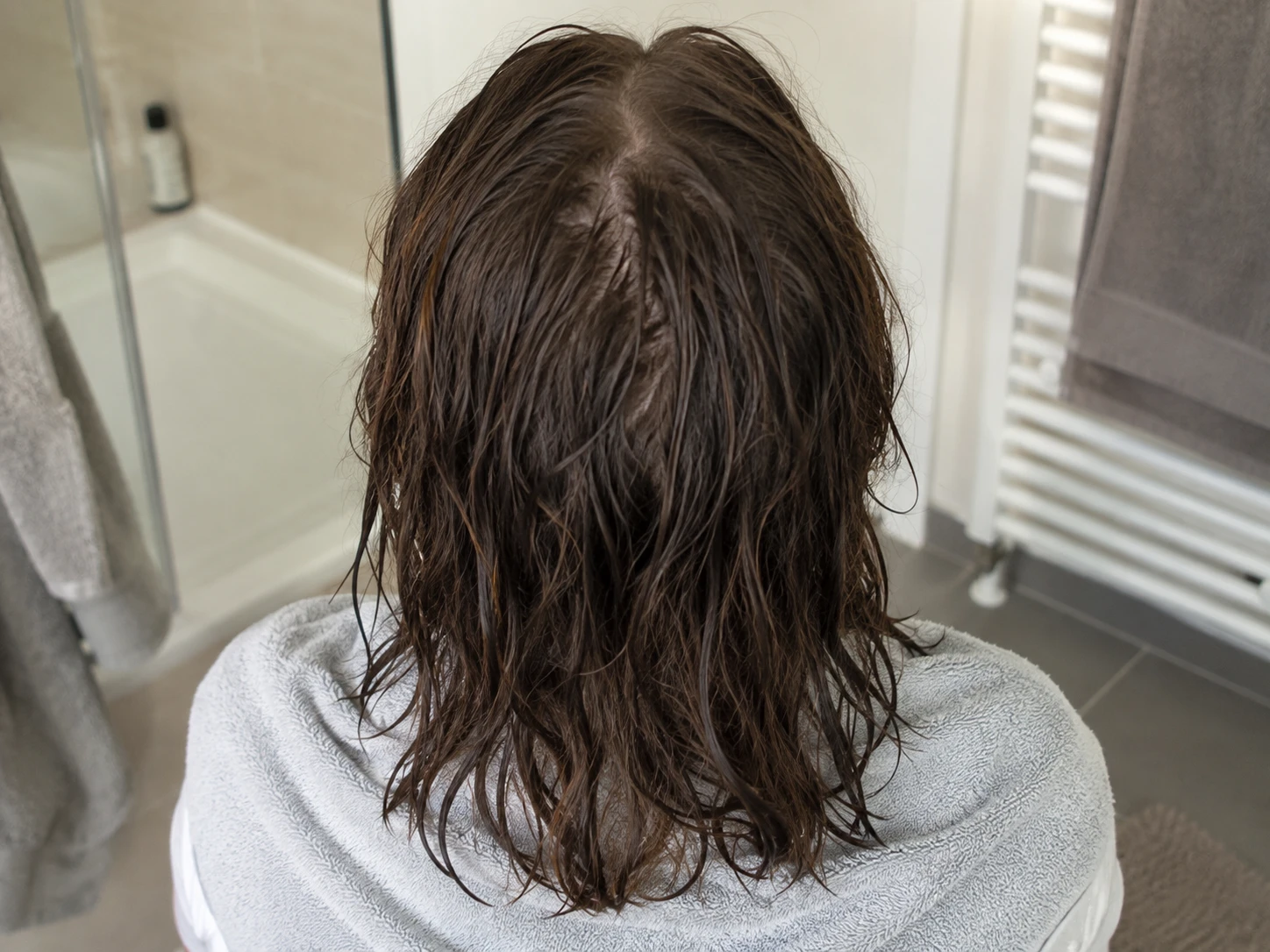
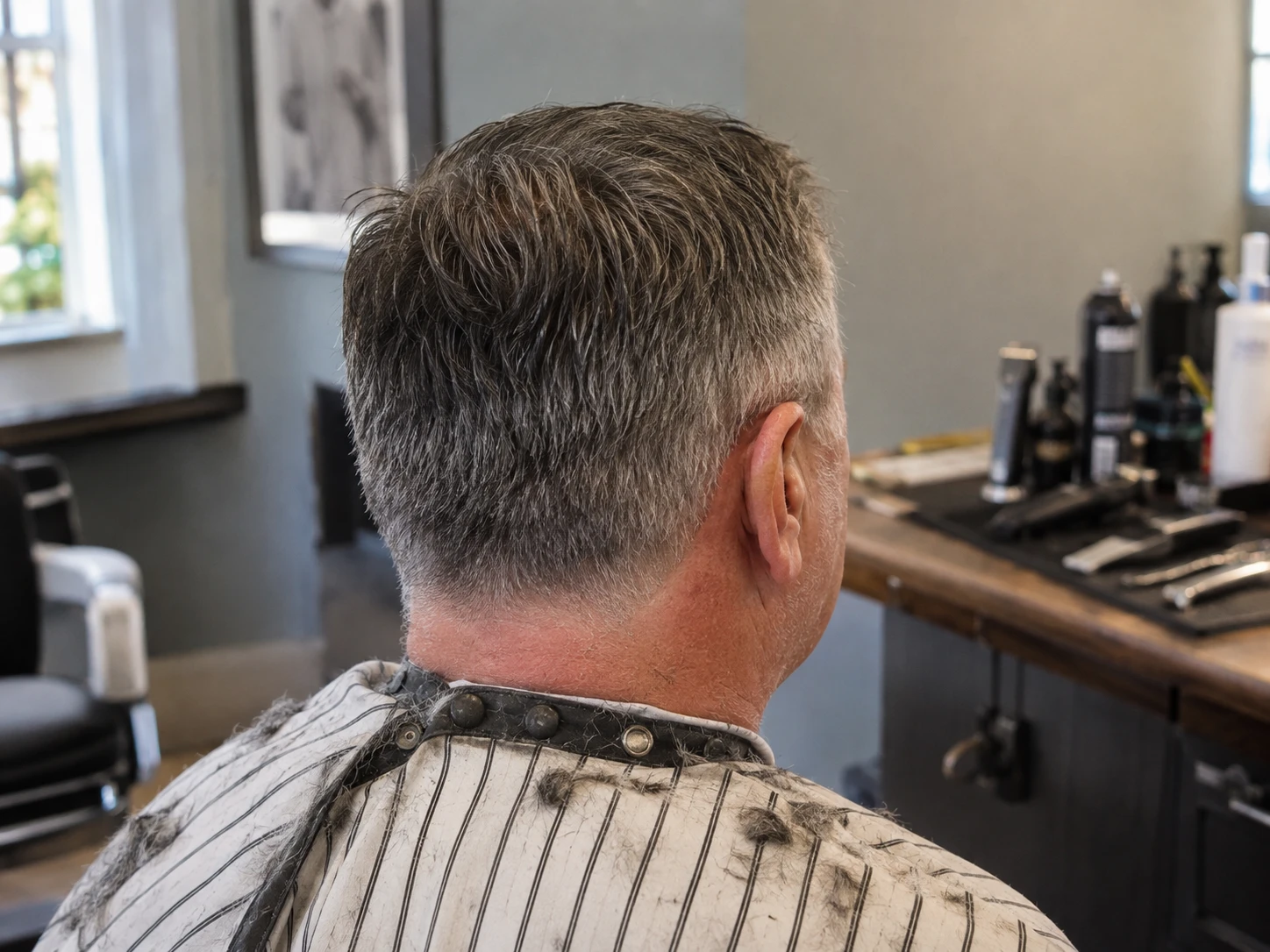
Shorter hair can stand up, separate, or expose the scalp differently. Layers, fringe, fades, and a new part can also change the shape of the hairline and how light reaches the crown.
That means a photo taken before a haircut may not compare cleanly with one taken right after it. The difference belongs in the record, but it needs context.
Add a short note with the haircut date and what changed. Keep the language visual and simple, such as sides cut shorter, top layered, part moved, or fringe removed.
Do not delete the old baseline. It still shows the real start of the record. The haircut note explains why the next section of the timeline looks different.
- Haircut date.
- Areas cut much shorter.
- New part or styling direction.
- First photo session after the cut.
Once the cut settles into your normal routine, take the usual hairline, temple, top, and crown set. Match the room, light, phone, and head position from the original setup.
Use this session as the framing and styling reference for later photos with a similar cut. It is a new context marker, not a rewritten starting point.
When possible, compare photos taken at similar hair lengths. Then review the full timeline with the haircut dates visible.
If the lengths are very different, describe the limit directly. A haircut can change visible coverage and volume, so the pair may not support a clean visual comparison.