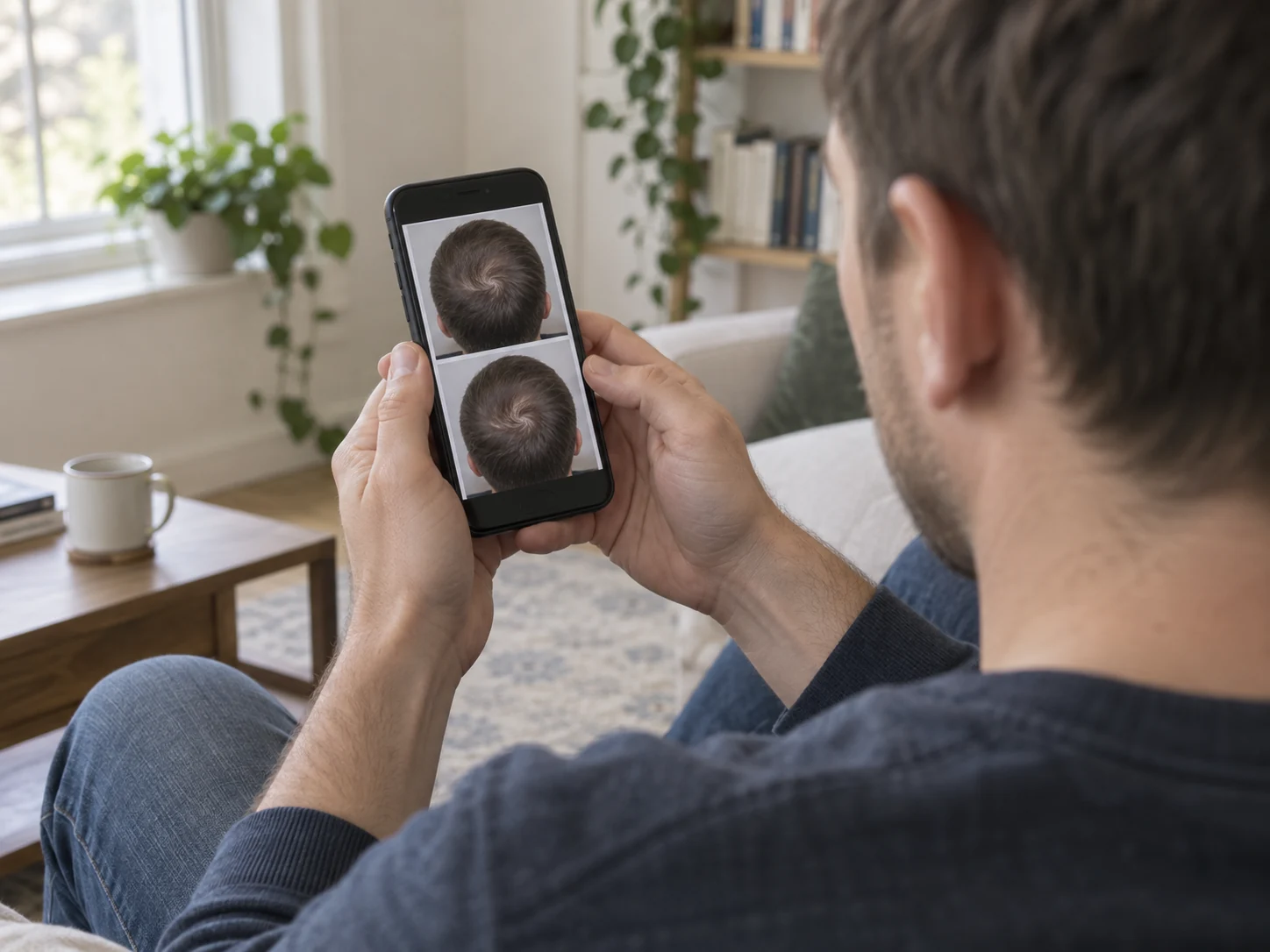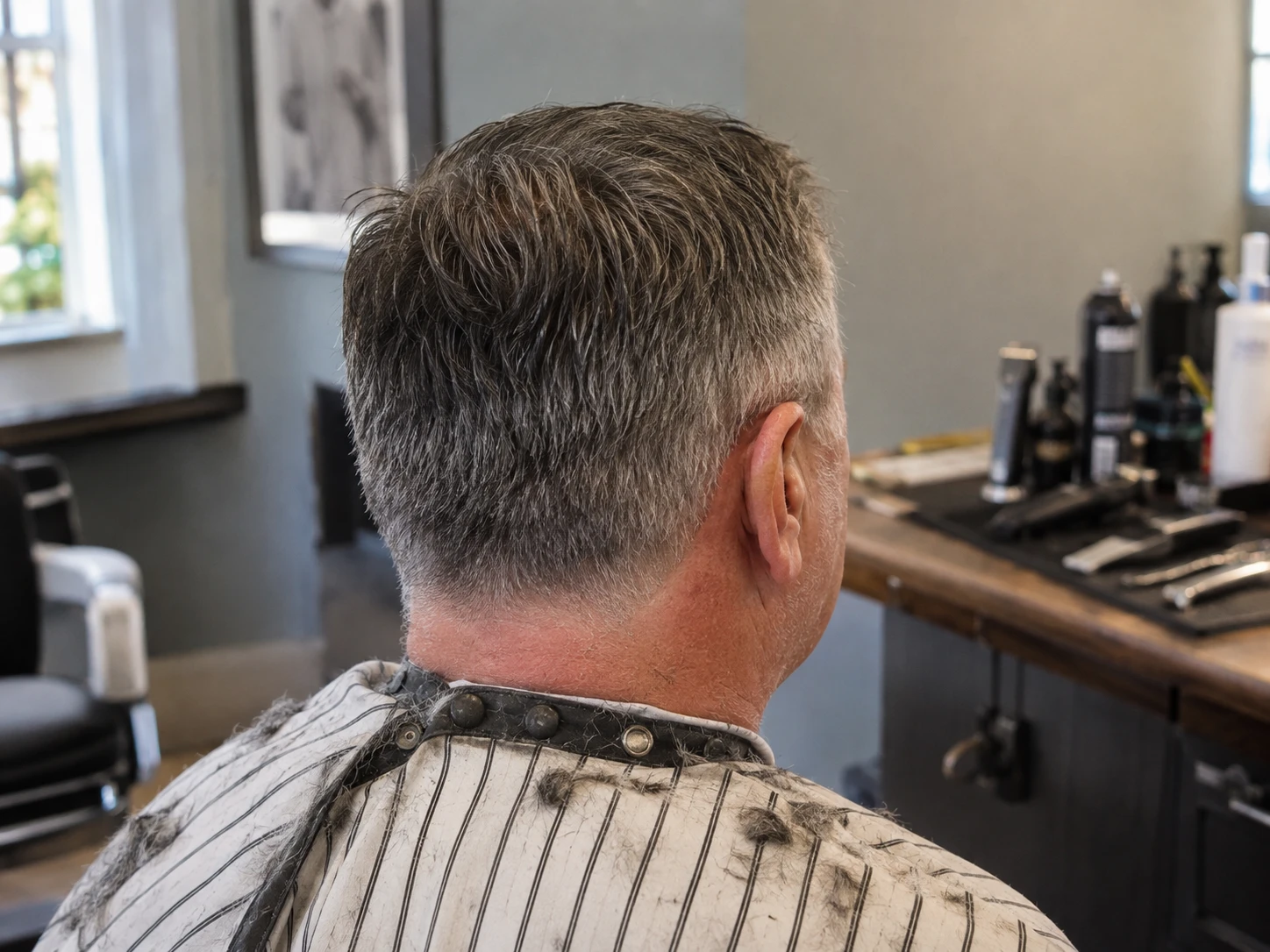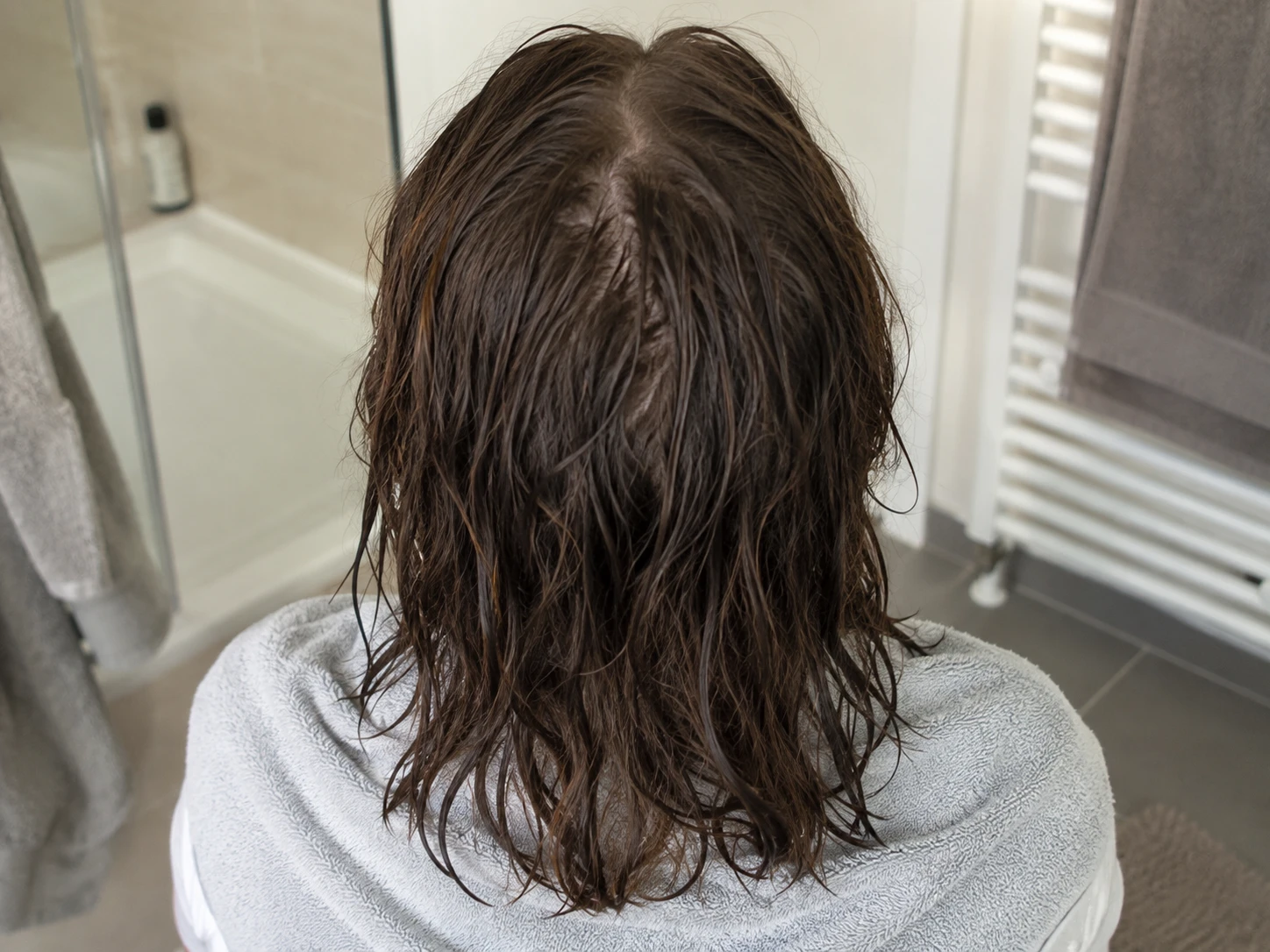
A clear place to begin
Your first complete photo set gives every later entry a useful reference point.
Hair changes slowly. Daily impressions do not give you much to work with. Plume gives each photo session the same shape so the timeline becomes easier to review over time.
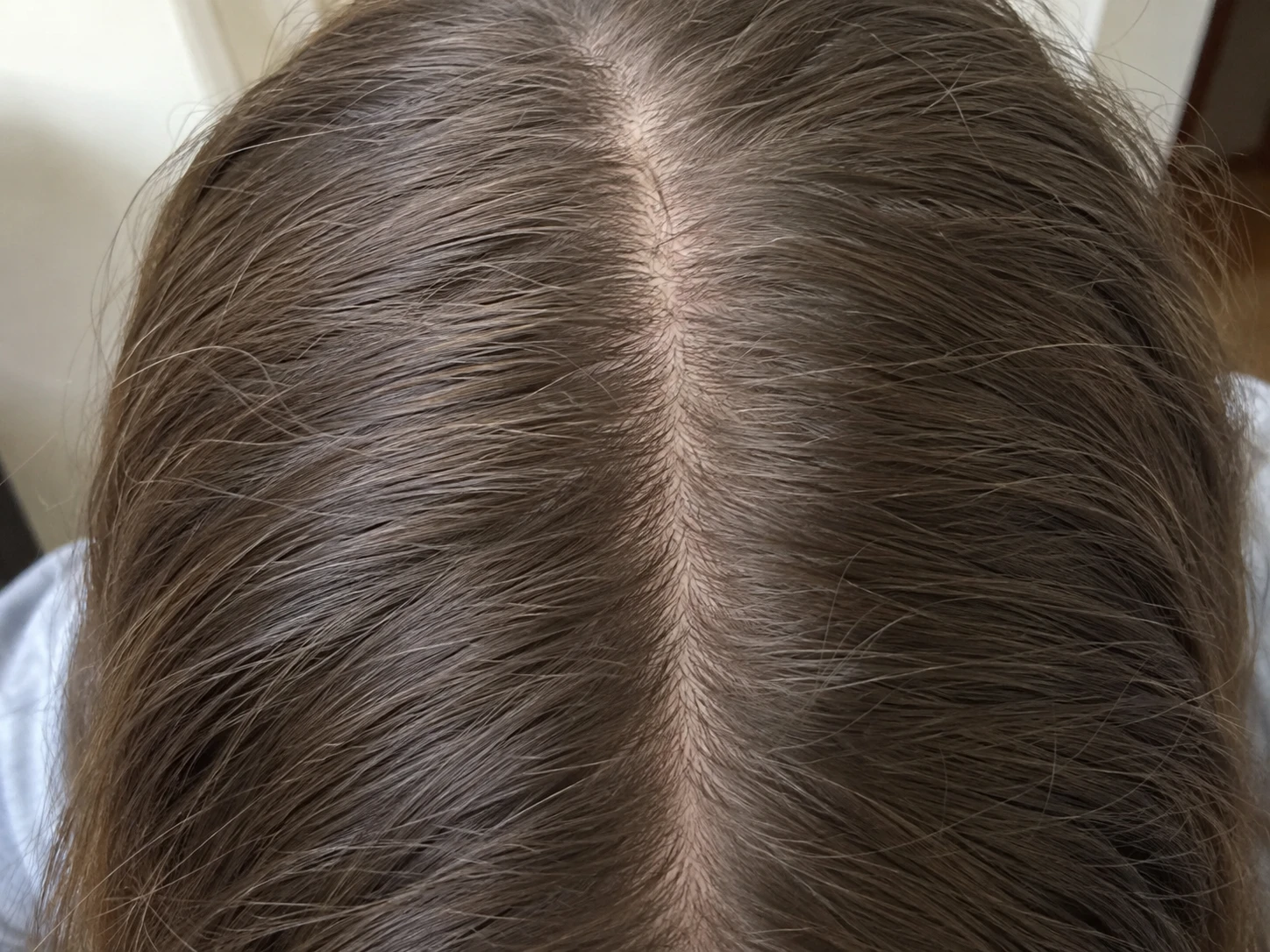
A hair growth tracker works best when it keeps a repeatable visual history. Plume organizes Hairline and temples, Top and part and Crown photos into dated entries. It also keeps routine adherence, symptoms and notes beside those entries. You choose the dates and review them with side by side, slider, blend, zoom and pan tools. Plume does not calculate a growth rate or certify a result.
Save your first Hairline and temples, Top and part and Crown photo set under one date.
Use a similar setup and follow the same view order when you return for another entry.
Keep routine adherence, symptoms and short factual notes beside each date.
Compare the same view from an earlier and later entry without turning one photo into a verdict.
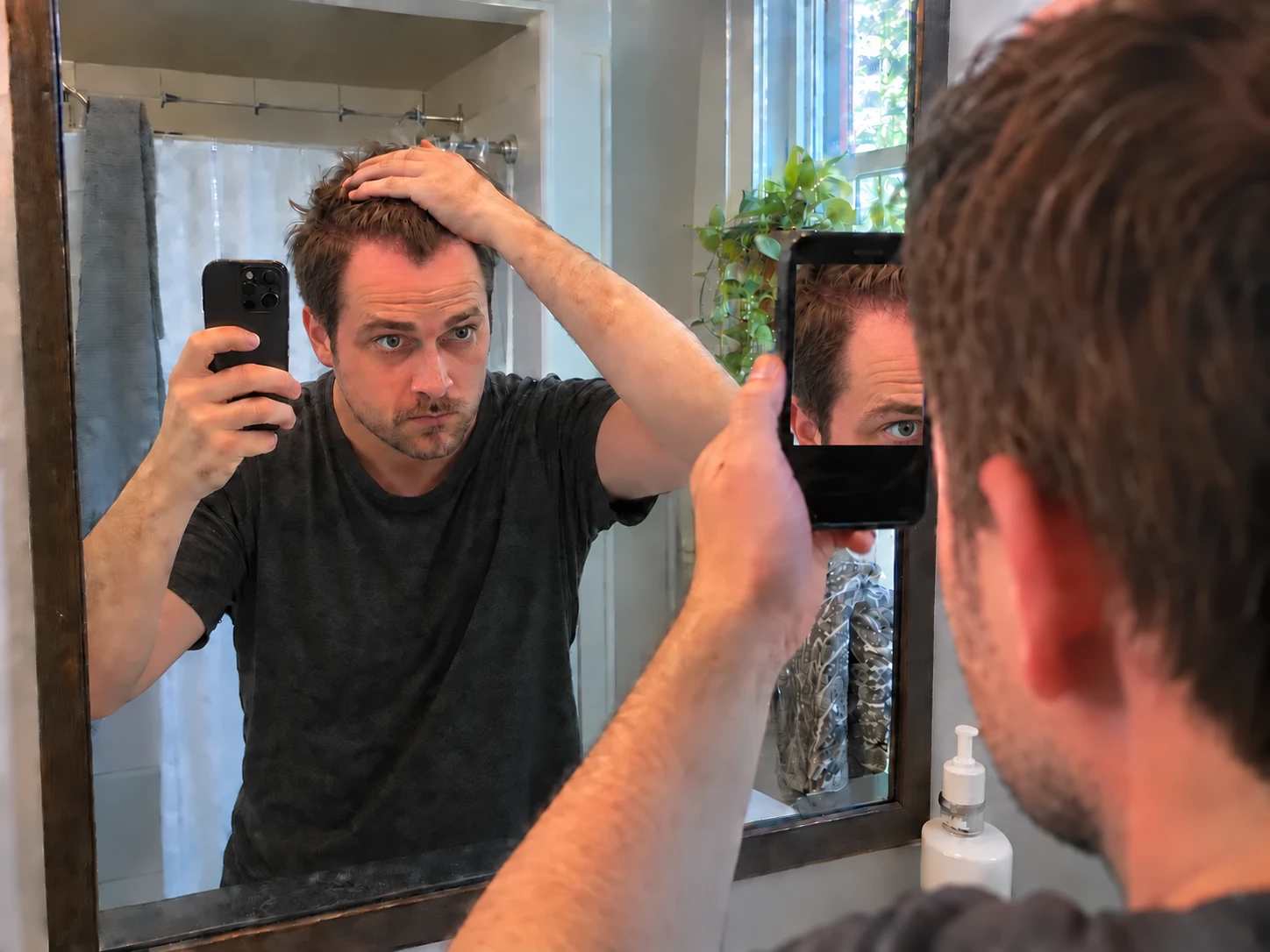
Your first complete photo set gives every later entry a useful reference point.
Photos, routines and notes remain together as the record grows.
Pick two dates and use the viewing tool that makes the comparison easiest to inspect.
A baseline is your first useful entry. It does not need studio lighting or a perfect camera. It needs a clear date, the full three view set and conditions you can reasonably repeat.
Plume keeps Hairline and temples, Top and part and Crown together as one entry. That structure matters because each area needs a matching view later.
Lighting, styling, wetness, camera distance and part placement can change how hair looks. Repeating the setup makes the timeline easier to review, even when the conditions are not perfect.
Plume guides the sequence. It does not align finished photos for you or turn them into exact measurements. Add a note when the setup changed enough to affect the comparison.
A later photo is easier to understand when you can also see the routine history and notes around it. Plume keeps adherence, symptoms and observations beside the dated entries.
The record can help you remember and ask better questions. It cannot prove that growth occurred, measure density or connect a visible difference to one routine.
No. Plume organizes photos and context for your own review. It does not calculate hair count, density or growth rate.
Start with dated Hairline and temples, Top and part and Crown photos. Add routine details and any factual notes you want to remember.
Keep the entry if it is useful and add a note about the difference. Return to a similar setup for the next photo set when practical.
Yes. Plume can create a discussion PDF from the history you selected for a clinician conversation.